Create Beautiful, Professional Designs in Photoshop—Even If You’re Starting From Scratch
A beginner-friendly course designed for creatives and authors that teaches you how to create stunning designs, book covers, and graphics without feeling overwhelmed.
No experience needed • Learn at your own pace • Lifetime access
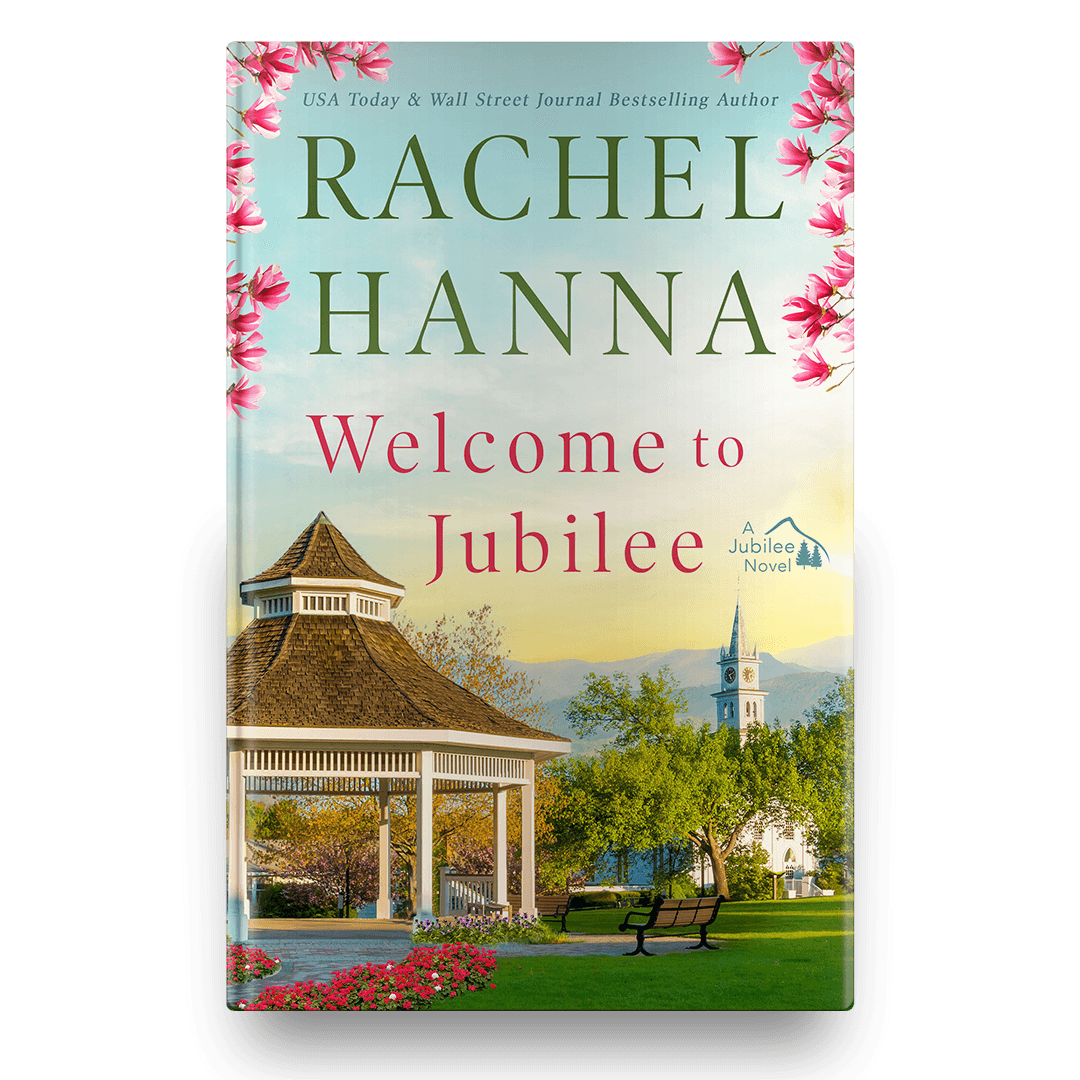
Cover Designed by Deborah Bradseth, Course Creator
If Photoshop Has Ever Made You Feel Like This…
You open it… and immediately feel overwhelmed
You’ve watched YouTube tutorials but still can’t create anything on your own
You don’t understand layers, tools, or where to even start
You have ideas in your head—but no way to bring them to life
You’re tired of relying on others (or paying for every design)
You’re not the problem.
You were just never taught the right way.
This Course Changes Everything
Inside this beginner-friendly Photoshop course, you’ll learn exactly how to go from confused and frustrated… to confident and capable.
No fluff. No complicated jargon.
Just clear, step-by-step guidance that actually makes sense.
Module 3, Lesson 1 in the course
Video is sped up 2500%
By the End of This Course, You'll Be Able To:
Design professional book covers and graphics
Understand Photoshop tools without guessing
Work with layers confidently
Create graphics, covers, and visual scenes
Bring your creative ideas to life—without feeling stuck
This isn’t about watching tutorials.
It’s about finally being able to create on your own.

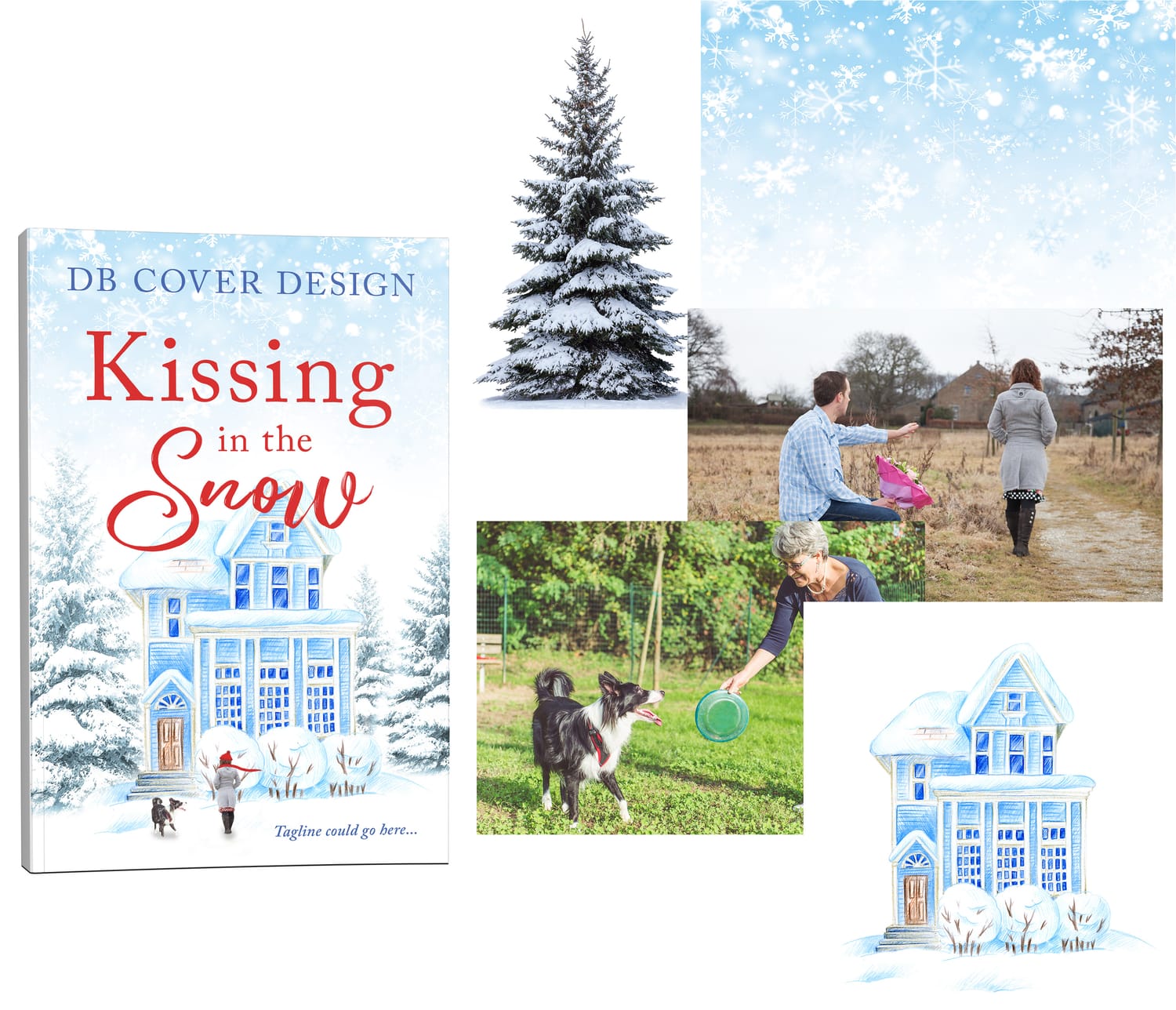
Example cover showing multiple images combined to create a beautiful design.

Meet Your Instructor
Hi, I’m Deborah.
I’ve spent years designing professional book covers and graphics using Photoshop. After helping authors and creatives learn the program, I realized most beginners struggle not because Photoshop is difficult — but because tutorials don’t teach it in a clear order.
I created this course to guide you step-by-step. I have over 20 years of experience in Photoshop which allows me to provide clear guidance on how to learn Photoshop from the very beginning. You are just starting your journey and I look forward to helping you learn and grow your skills.
What You Can Create

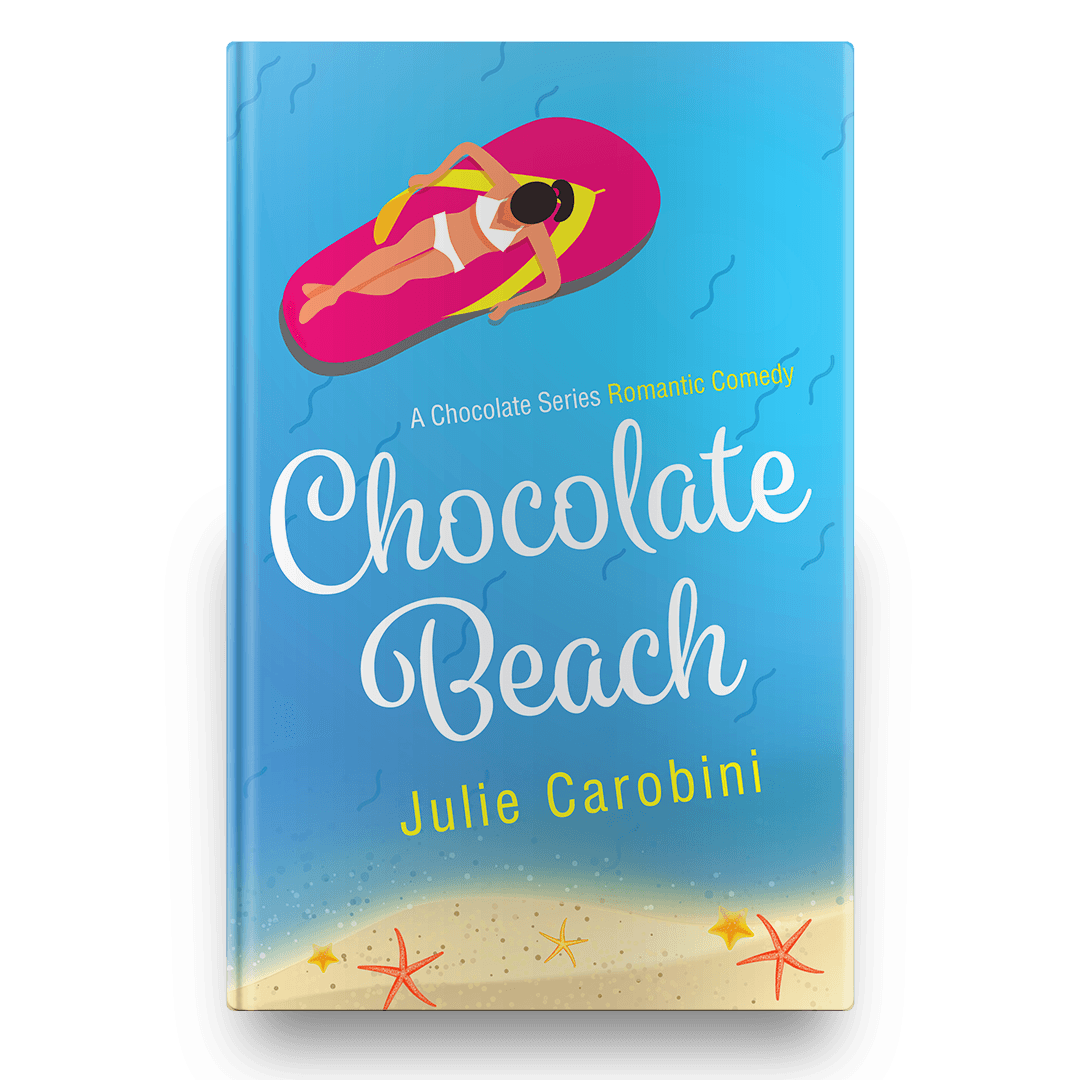
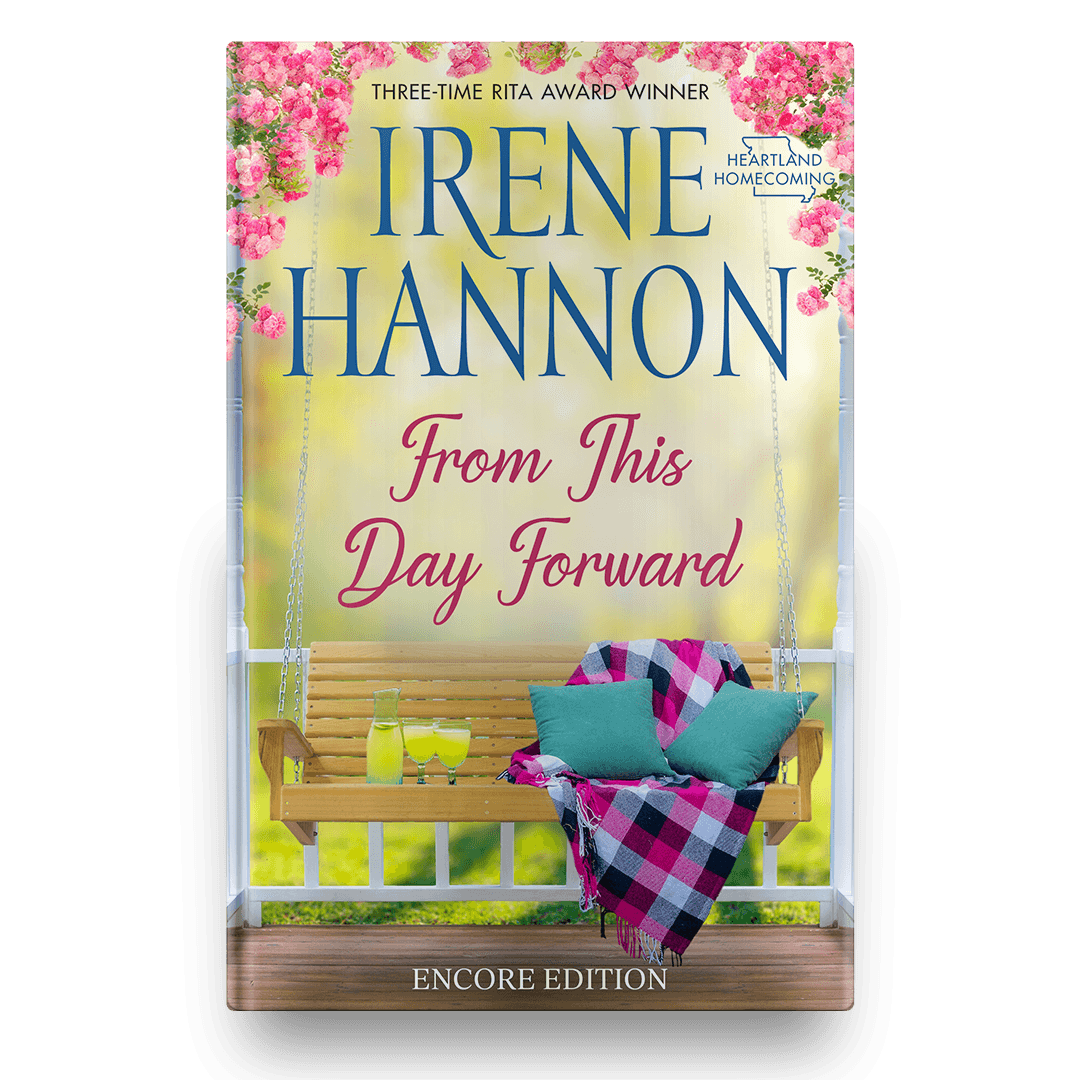


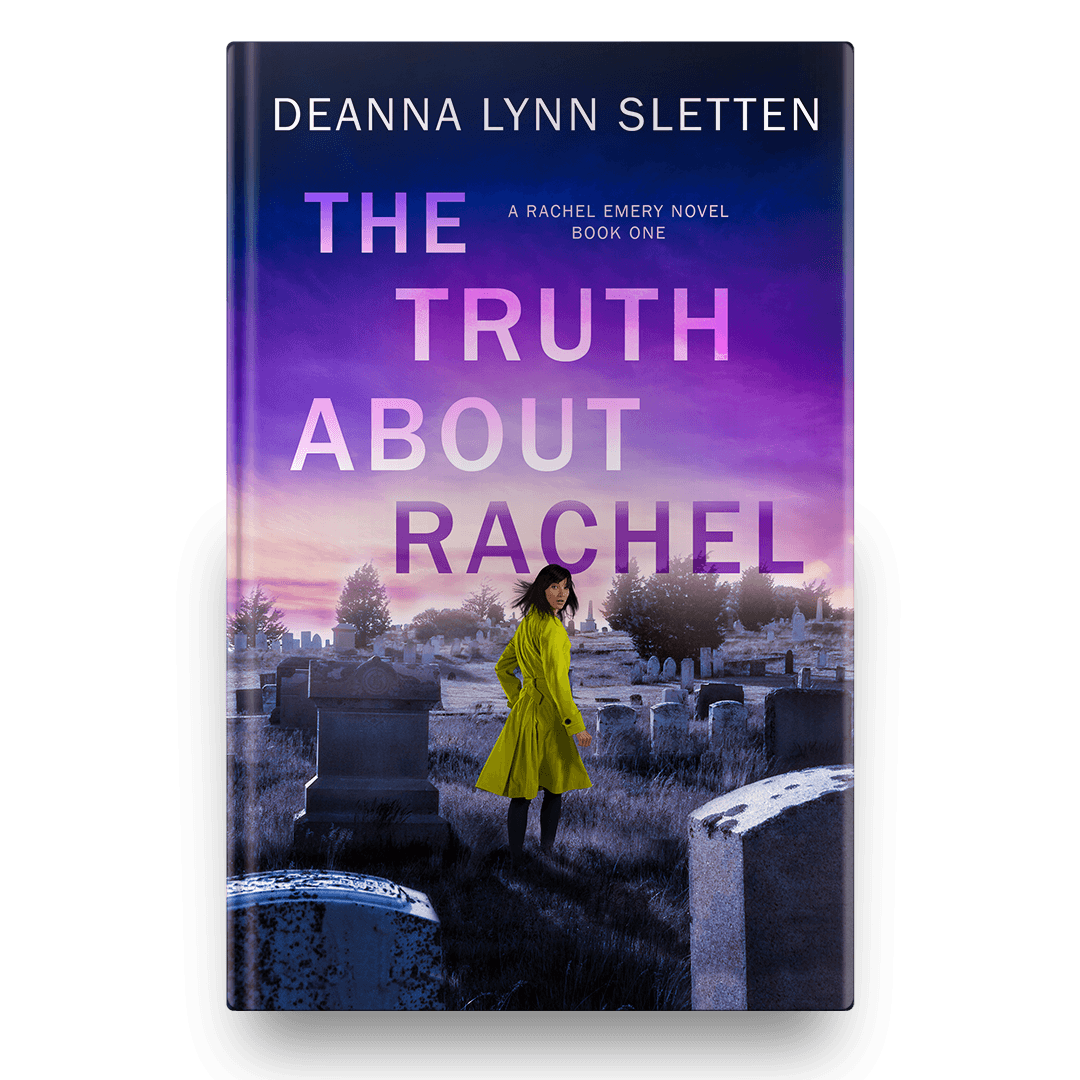
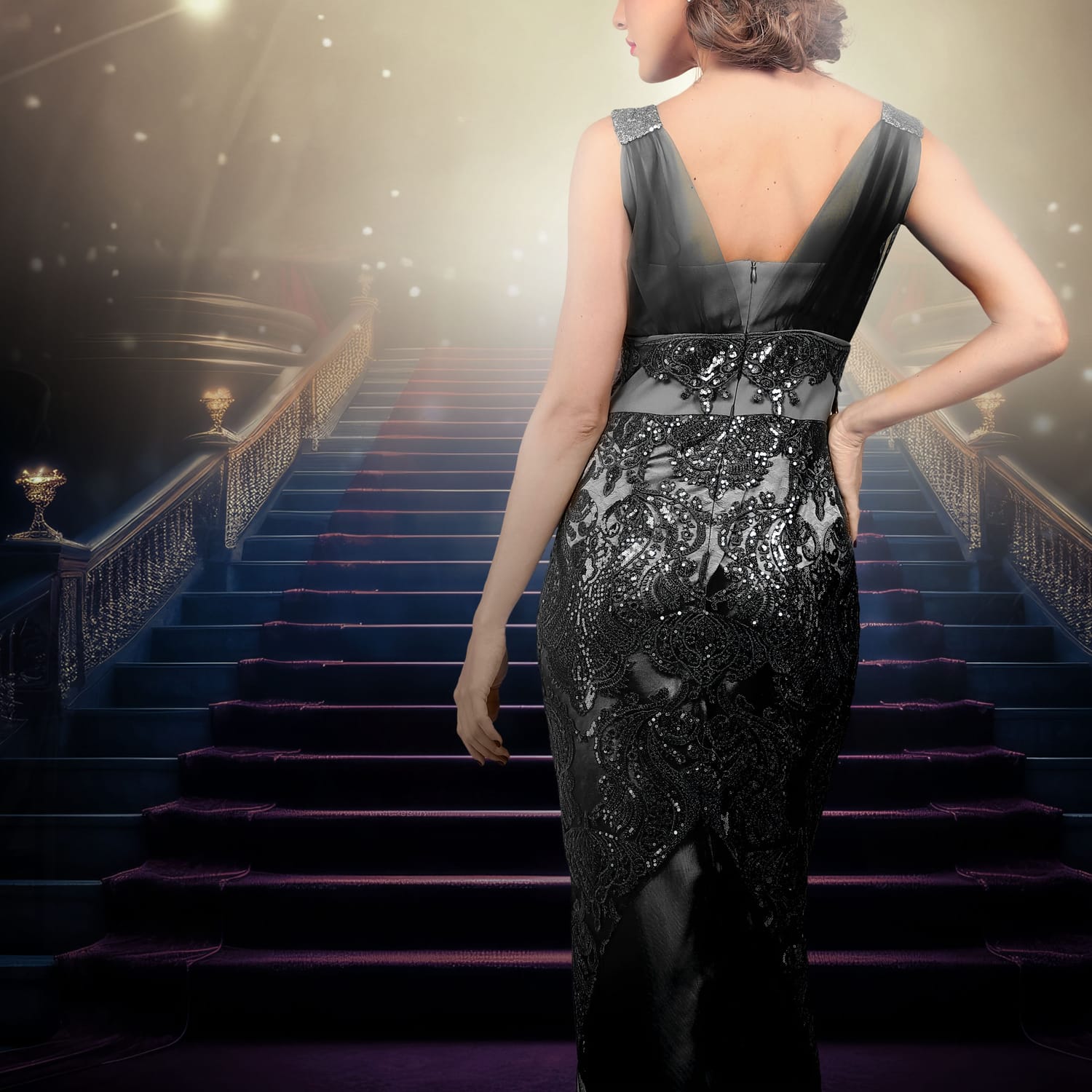


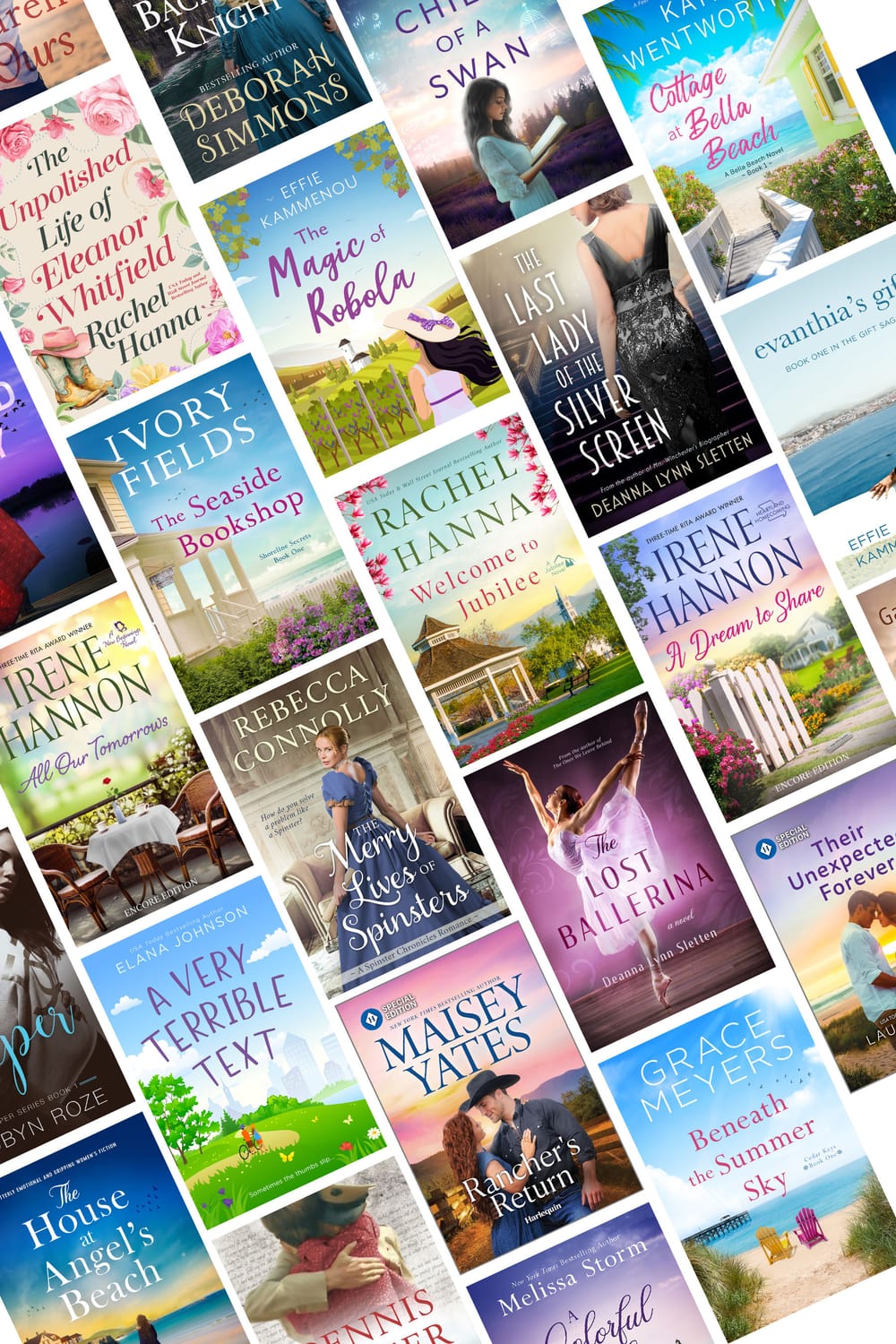
All designs have been created by course creator Deborah Bradseth-a seasoned designer with over 20 years experience.
What is all included:
Step-by-step beginner Photoshop training
Easy-to-follow video lessons (no overwhelm)
Hands-on projects so you actually learn by doing
Practice files so you can follow along
Real-world design applications (not just theory)
Lifetime access—learn at your own pace
Facebook Community Access to ask me questions in real time
30+ video lessons: $177
Follow along exercises: $47
Lifetime Access: $97
Total value: $321
Your Cost: $197
Try it RISK FREE! 30-Day Money Back Guarantee!
Imagine Being Able To...
Open Photoshop and actually know what to do
Create something you’re proud of
Bring your ideas to life without frustration
Feel confident in your skills
That’s what this course is designed to give you.

This Is Perfect For You If:
You’re a complete beginner to Photoshop
You want control over your designs
You don't know where to start
You want a clear, simple path to learning
This Is NOT For You If: 🚫
You're an advanced Photoshop user
You want shortcuts without learning fundamentals
You don't want to practice
What Others Are Saying
“I’ve always wanted to learn Photoshop, but every time I opened the program, I felt completely lost. This course changed everything! The tutorials made it so easy to understand, from setting up my workspace to using advanced tools like adjustment layers and text effects. I especially loved how Deborah walked through designing a book cover from start to finish—it helped me see how everything fits together. Now, I feel confident using Photoshop and can finally create amazing designs. If you’re struggling to learn Photoshop, this course is an absolute game-changer!” ~ Heather N.
“This course made learning Photoshop so easy! The step-by-step tutorials took the guesswork out of everything, and I finally feel confident using the tools for graphic design. Highly recommend for beginners!” ~ Joan B.
“I was overwhelmed by Photoshop until I took this course. The lessons are clear, detailed, and simple to follow. Now, I can confidently design book covers from start to finish!” ~ Brett K.
"This is a great course. I dabbled in Photoshop for my Facebook ads but was able to improve them after this course. I learned so much." ~ Deanna S.
Why This Course Works When Tutorials Don’t
Random Tutorials
Teach disconnected tricks
Skip over beginner fundamentals
Assume you already know the basics
Leave you piecing everything together
This Course
Teaches Photoshop step-by-step
Builds skills in the correct order
Shows exactly how tools work together
Helps you create complete designs
Module 3, Lesson 6 in the course
Video is sped up 2500%
Try It Risk-Free
Within 30 days of purchase if you do not feel like you have adequately learned enough from my course in your creative journey, I will provide you a full refund.
I ask that you try the program for a minimum of 14 days, following the tutorials.
If you run into issues or need help troubleshooting, please reach out and I will personally help you.
Don't Stay Stuck Another Day
Every day you wait is another day of:
Feeling frustrated
Putting off your ideas
Not creating what you know you’re capable of
You don’t need more tutorials.
You need the right guidance.
Start Creating With Confidence
Instant Access • Lifetime Learning • Beginner-Friendly
Inside the Course
Module 1 - Set Up Your Workspace
Understanding your workspace
Setting Up Photoshop preferences
Navigating the interface
Common Photoshop mistakes
Shortcuts to learn while designing
Module 2 - How to Use Specific Tools
Covering all the tools on the tool bar including:
move & marquee tool
lasso & magic wand
crop tool
eye dropper
content-aware
healing brush
patch tool
brush tool
clone tool
eraser
gradient
type
shape tool
pen
generative fill
color picker
And, how the layer panel works
Module 3 - Advanced Tools
Once you are feeling comfortable with the most commonly used tools in Module 2, then we move on to the advanced tools that really up your game.
blending & adjustments
hue/saturation
filters
actions
text effects
image & color blending
And, learning all about fonts.
Module 4 - Putting It All Together
At this stage we will get to design a cover together from beginning until end with a practice file that allows you to follow along.
You will also learn about saving and exporting files.
Module 4, Lesson 1: A cover we build together in my course.
Video is sped up 2500%
Who Is This Course For?
Interested in graphic design?

Whether you're brand new to Photoshop, or have dabbled in it, this is the perfect crash course to get you designing anything from book covers, to promotional materials, logos, and more!
Authors who want to design

Are you an author who wants to learn how to design your own book covers? This course is perfect for learning exactly which tools to use and how to use them, to create amazing book covers quickly!
Already a designer?

Even designers who've been using Photoshop for awhile and want a one-stop-shop for learning new skills can benefit from this course.
Hiring a professional cover designer
can cost $300+ per cover.
This course teaches you
the skills for life for just $197.
30+ step-by-step video tutorials
Learn 15 essential Photoshop tools for book cover design
Advanced techniques including filters, text effects, Camera Raw & more
Practice files included with multiple lessons allowing you to follow along, including the cover we design together.
Lifetime access
Private Facebook community
30+ video lessons: $177
Follow along exercises: $47
Lifetime Access: $97
Total value: $321
Your Price Today: $197
Try it RISK FREE! 30-Day Money Back Guarantee!

Hi, I'm Deborah!
I have been a graphic designer and have worked with authors for almost 15 years. I have been working in Photoshop for over 20 years! I have designed for publishers, including Harlequin, along with many self-publishing bestselling authors including Rachel Hanna, Elana Johnson, Irene Hannon, K. Bromberg, Lauren Smith, Deborah Simmons, Grace Meyers, Deanna Lynn Sletten, Rebecca Connolly, and more!
Deborah Bradseth, Owner/Designer of DB Cover Design


What You'll Learn
In the Design Like a Pro: Complete Course you we will dive deep into the following topics!

Setting Up Your Workspace
Learn exactly how to setup your Photoshop workspace to work efficiently, setting up your preferences, along with shortcuts and common issues you can run into.
Learn Specific Tools
This course I go in depth on 15 specific toolbar tools and how exactly to use them for book cover design and graphic design. You will walk away knowing exactly how to use each tool and when to use them.
Advanced Tools
I go into specific details on how to use more advanced tools such as adjustment layers, filters, camera raw, actions, text effects, blending, fonts and more!
Design a Cover Together
After learning about each individual tool and advanced tools, I walk you through the process of designing a book cover together so you can see first hand how everything works together.
More information
In addition to learning about Photoshop's tools and how to use them, I talk about the difference between pixels, inches, RGB, CMYK, document sizes, saving files, and much more. You get all of the information you need in one place.
Try it RISK FREE! 30-Day Money Back Guarantee!
Your Questions, Answered
Do I need Photoshop experience? → Nope! This course is designed for beginners.
What version of Photoshop do I need? → Any recent version of Photoshop works.
How long do I have access? → You will have lifetime access! Go at your own pace and revisit lessons anytime. And access to any and all updates that happen along the way!
Is this course for just authors? → Not at all. While it’s book cover focused, the skills you’ll learn apply to all kinds of design projects including ad design, graphics, branding, and more!
What if this course doesn't work for me? → If, within 30 days of purchasing my course you do not feel you have learned anything new and helpful in your creative journey, contact me for a full refund.
I'm an author looking to make my own ads. Will this course work for me? → Yes! You will learn all the skills you need, and then some, to design beautiful, eye-catching ads to use on social media to help sell your book.
I've been using Photoshop for awhile, but I still don't know how to use a lot of the tools. Will this course be helpful for me? → Yes! I take you step-by-step through the process from start to finish allowing you to learn each tool as you go. You can also jump around if you already know how to use a certain tool. Or, you may just learn a new way to use that tool!
Try it RISK FREE! 30-Day Money Back Guarantee!
Copyright 2025-2026 DB Cover Design, LLC