
Create Professional Paperback, Hardcover, Dust Jacket & Special Edition Covers in Photoshop
Designing book covers for print is very different from designing for digital.
Margins matter. Spines must be exact.
Bleeds, trim sizes, and printer templates can make or break your design.
Learn the exact technical process for designing paperback, hardcover, dust jacket, and special edition book covers that are properly set up for print.
Stop guessing about spine width, bleed, trim sizes, and printer templates and start creating covers that print correctly every time.
Course Highlights
Paperback cover setup
Hardcover case wrap design
Dust jacket layout with flaps
Special edition sprayed edges
Print-ready export settings
Minimal experience needed • Learn at your own pace • Lifetime access
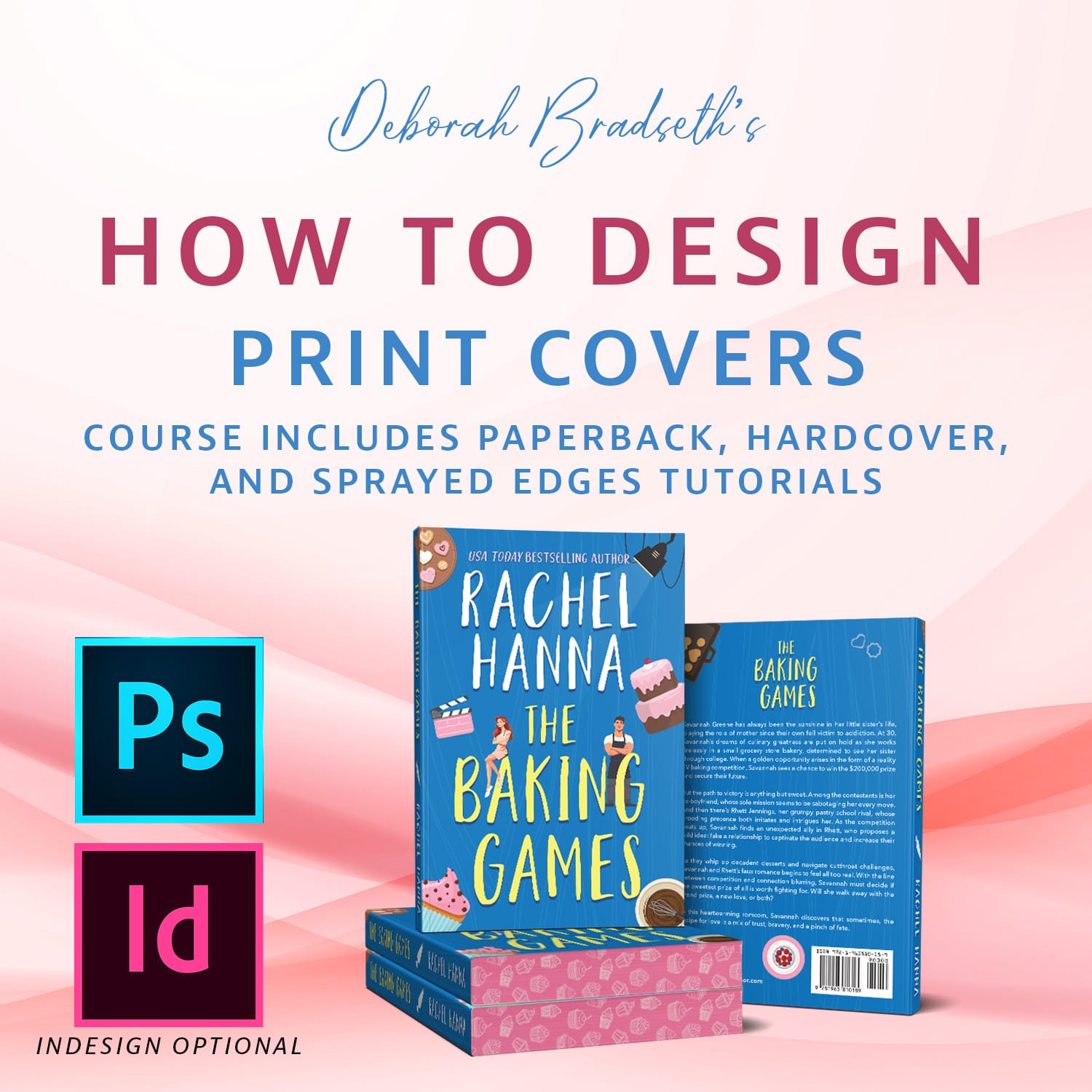
Release Date: April 3, 2026
If you've ever wondered:
How to calculate the correct spine width
How to design for hardcover or dust jackets
How to design sprayed edges
How to prepare files for professional printing
This course will show you exactly how to do it the right way.
Stop Guessing. Start Designing Covers That Actually Print Correctly.
Many designers know how to make a good looking cover…
…but when it comes time to prepare that cover for print production, things get confusing fast.
That’s because print covers require:
Correct bleed setup
Accurate spine calculations
Proper trim sizes
Printer-ready export settings
Alignment across front, spine, and back
This course walks you through the exact process I use to design print-ready book covers in Photoshop (and inDesign which is optional).
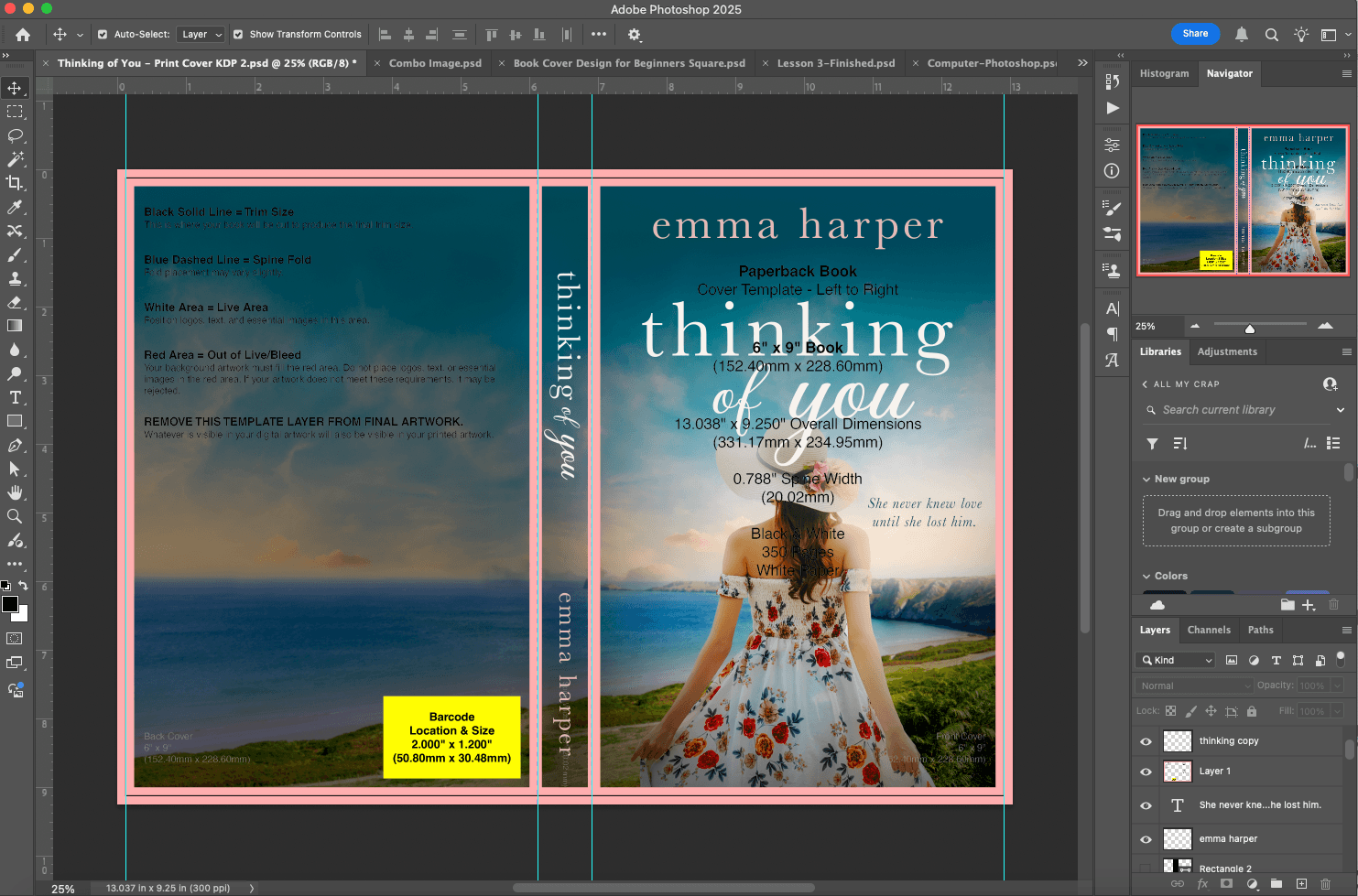
Example showing a portion of the course where we are designing the Amazon KDP print cover design.
What You'll Learn
Inside this course you will learn how to design covers for the most common print formats and printers. Together we go through a 6"x9" trim size, 5"x8" trim size, and how to use Amazon KDP and IngramSpark's templates. You get to design right along with with me for the ultimate learning.
Paperback and Hardcovers
Learn how to properly:
Set up trim size and bleed
Calculate and design the spine
Align the front, back, and spine correctly
Export files ready for print
Dust Jacket Covers
Dust jackets add additional complexity with flaps and extra layout space.
You'll learn how to:
Set up dust jacket templates
Design front, back, spine, and flaps
Place text and imagery correctly
Avoid common layout mistakes
Special Edition Covers (Sprayed Edges)
Special editions are becoming extremely popular.
In this lesson you'll learn:
How to calculate and setup the documents
How sprayed edge books are structured
How to design edges that complement the cover
This Course is Perfect For:
Beginner cover designers
Self-published authors designing their own covers
Freelancers offering book cover design services
Designers moving from digital covers to print covers
What Makes This Course Different
Most cover design tutorials focus only on visual design.
This course focuses on the technical side of print cover design, which is where most designers struggle.
You’ll learn the behind-the-scenes setup that makes covers print correctly every time.
No guessing.
No trial and error.
Just the exact process used by professional designers.
Course Details
Course Length: 1-2 hours
Skill Level: Beginner to Intermediate
Software: Photoshop (and inDesign is optional)
Includes step-by-step walkthroughs covering:
Paperback covers
Hardcover covers
Dust jackets
Sprayed Edges
Imagine Being Able To...
Confidently design full print covers
Work with authors and publishers
Avoid costly print mistakes
Expand your cover design services
Create professional book covers start to finish
Pre-Order Special Pricing!
Learn the technical side of cover design most tutorials skip.
If you already know basic Photoshop but want to design real print-ready covers, this course will show you how.
Your Price Today: $37
Regular Price After Launch: $47
When you reserve your spot:
✔ You lock in the lowest price
✔ You receive instant access when the course launches
✔ You’ll get an email the moment lessons go live
Course Release Date: April 3, 2026
Copyright 2025-2026 DB Cover Design, LLC