Finally Feel Confident Using Photoshop (Even If You’re Brand New)
Stop feeling overwhelmed and start creating real designs with step-by-step guidance you can actually follow.
Plus! Get 3 FREE Bonuses for a Limited Time!
No experience needed • Learn at your own pace • Lifetime access
If you’ve ever opened Photoshop and thought…
“Where do I even start?”
“Why is this so confusing?”
“How do people make things look so good?”
You’re not alone.
Most beginners don’t struggle because Photoshop is too hard…
They struggle because no one shows them how to actually use it in a simple, practical way.
That's why I created:
Design Foundations for Beginners
This is not a long, overwhelming course.
It’s a simple, step-by-step guide designed to help you:
✔ Understand the basics
✔ Practice as you go
✔ Create your first real designs
What this is:
Beginner-friendly
Straight to the point
Focused on doing, not just watching
What this is NOT: 🚫
A theory-heavy course
Hours of confusing explanations
Something that leaves you more overwhelmed
By the end of this guide, you won’t just “understand Photoshop”…
You’ll actually be able to USE it.
You'll feel:
More confident
Less overwhelmed
Ready to keep improving
This isn’t about watching tutorials.
It’s about finally being able to create on your own.
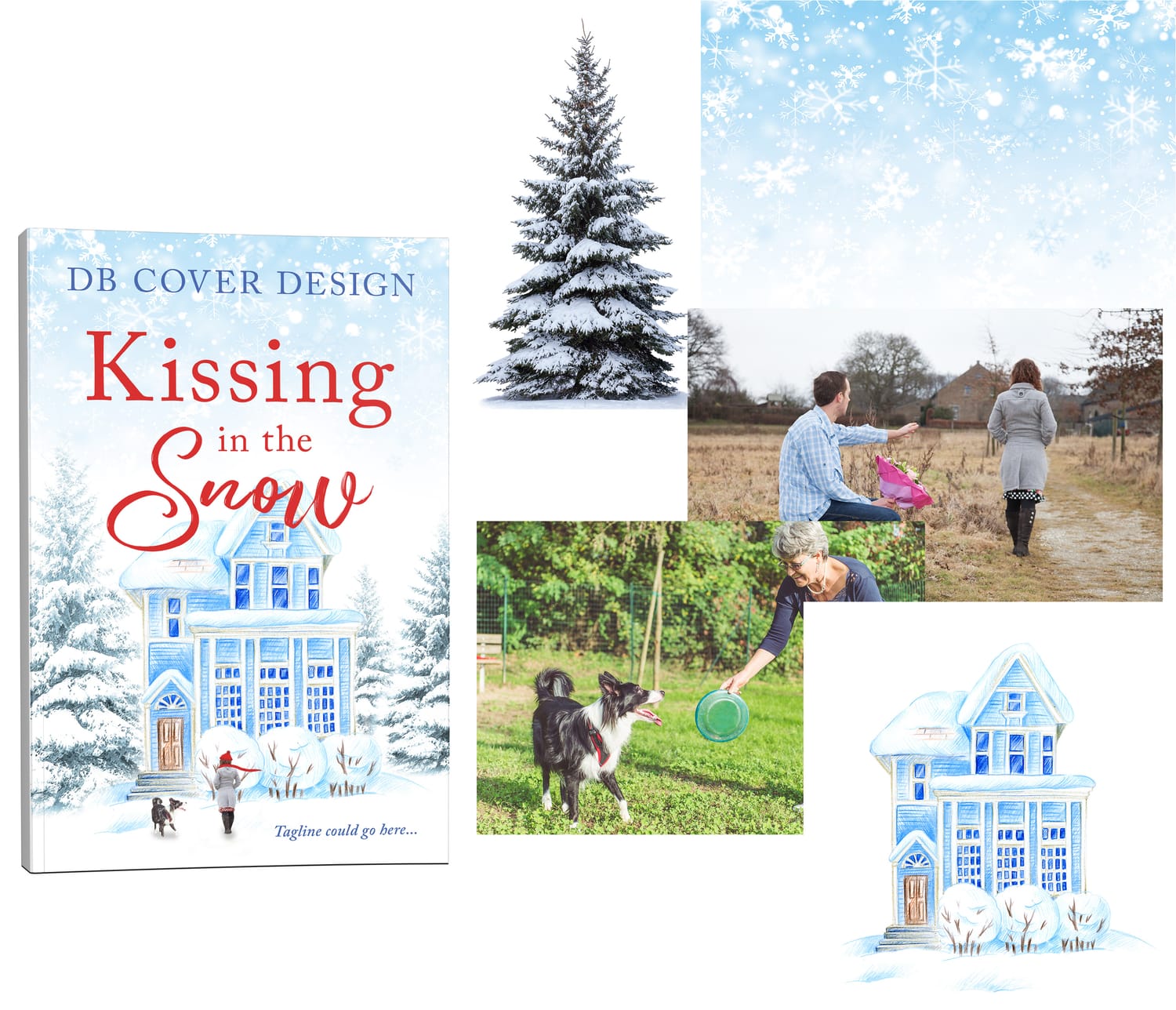
Example cover showing multiple images combined to create a beautiful design.

Meet Your Instructor
Hi, I’m Deborah.
I’ve spent years designing professional book covers and graphics using Photoshop. After helping authors and creatives learn the program, I realized most beginners struggle not because Photoshop is difficult — but because tutorials don’t teach it in a clear order.
I created this course to guide you step-by-step. I have over 20 years of experience in Photoshop which allows me to provide clear guidance on how to learn Photoshop from the very beginning. You are just starting your journey and I look forward to helping you learn and grow your skills.
What You Can Create
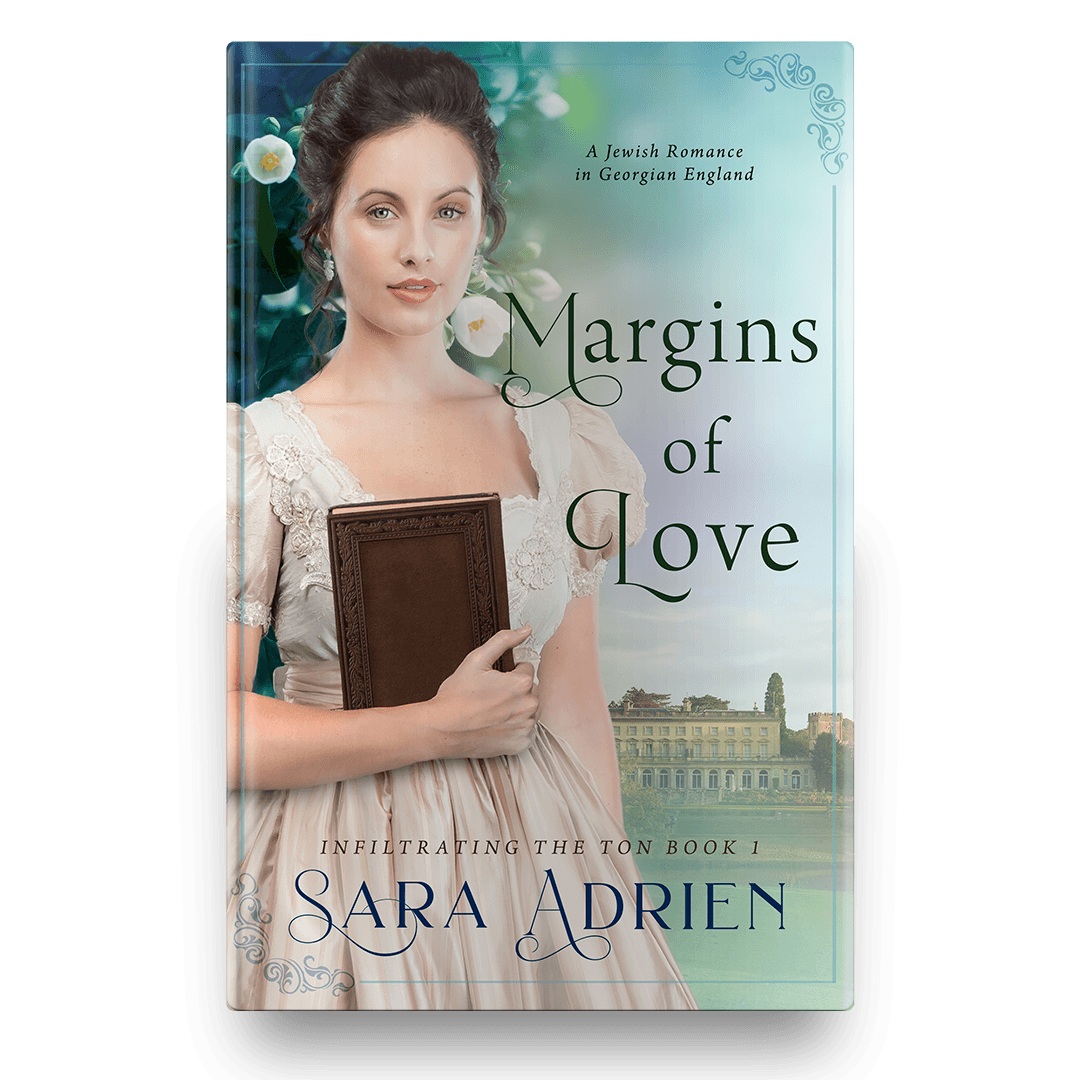
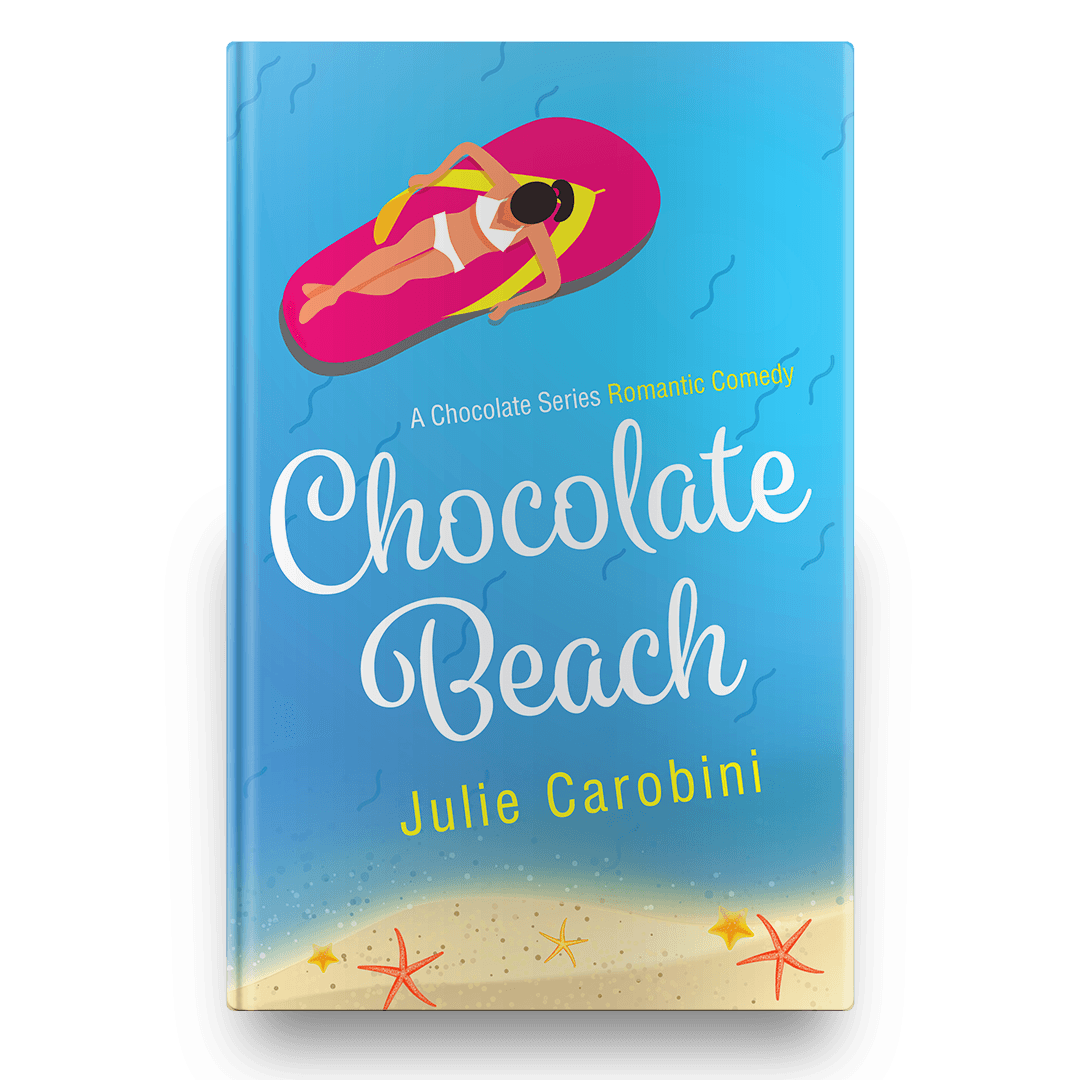
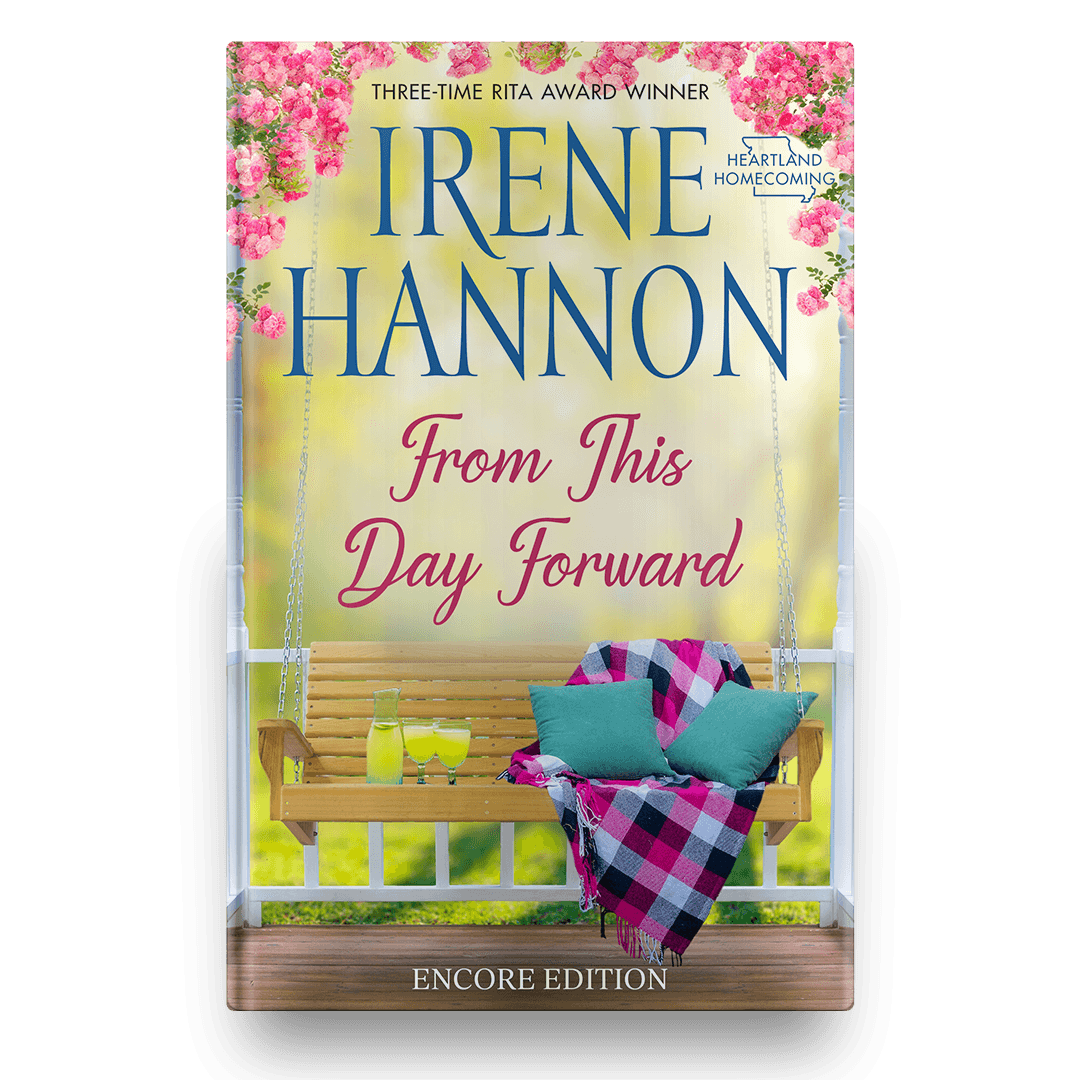

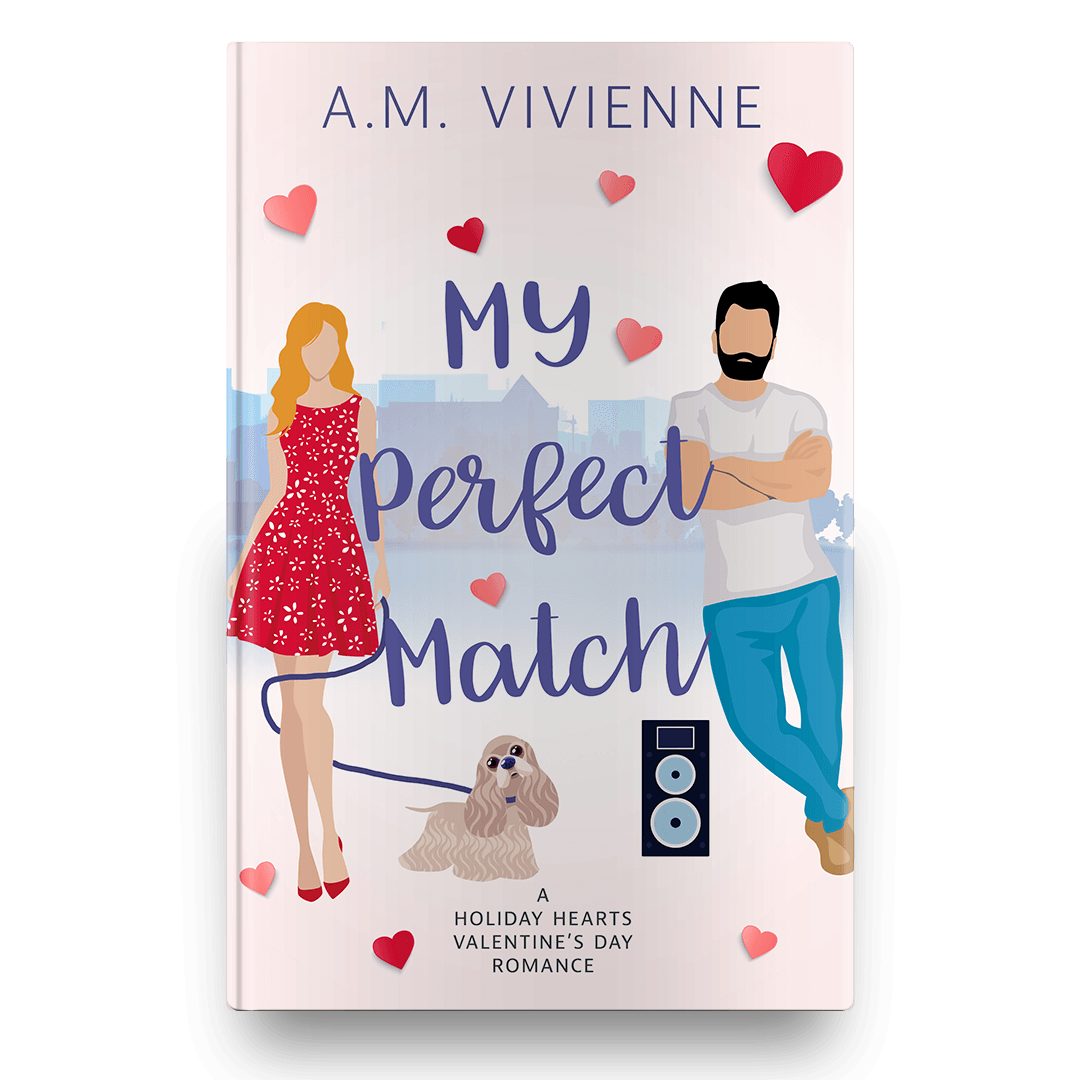
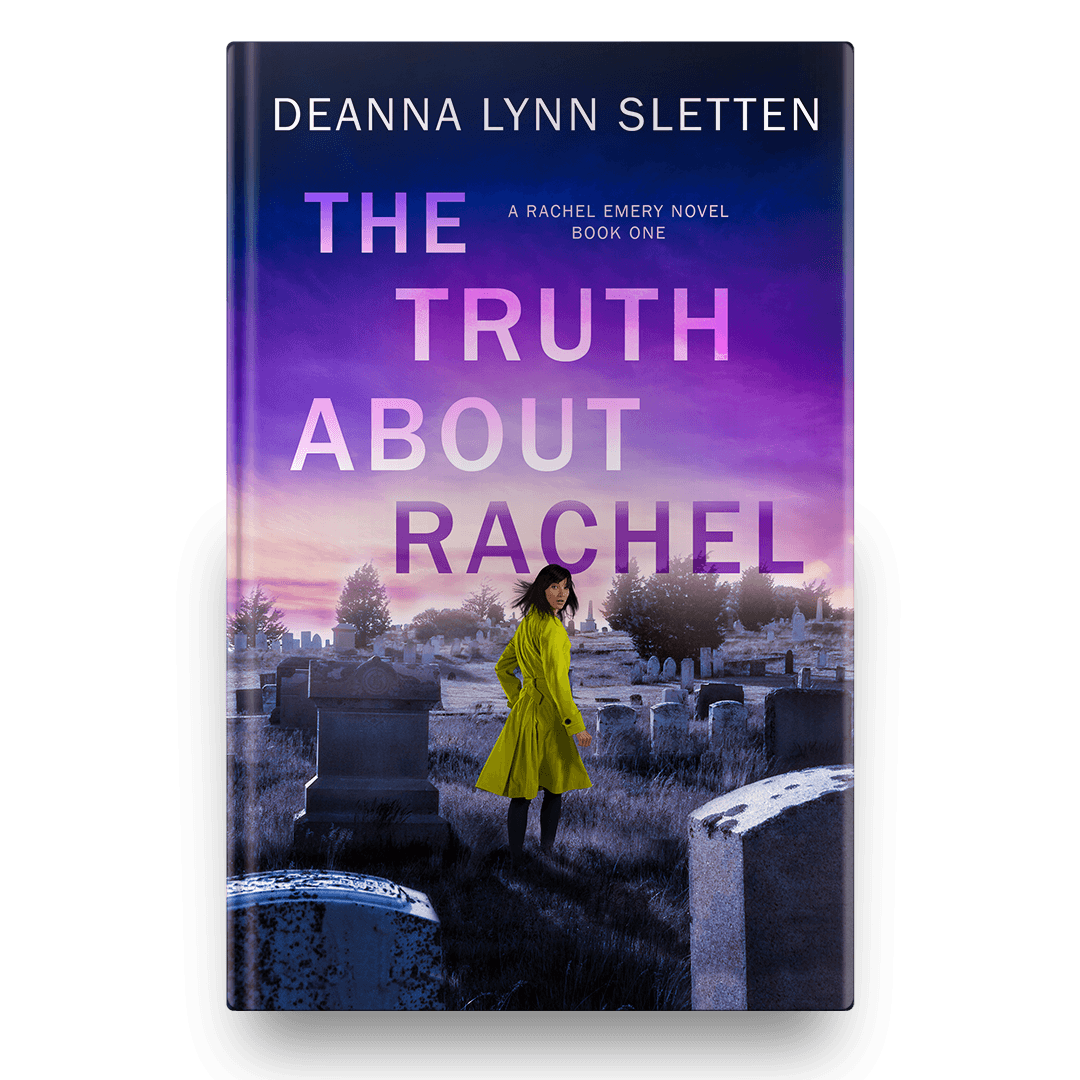
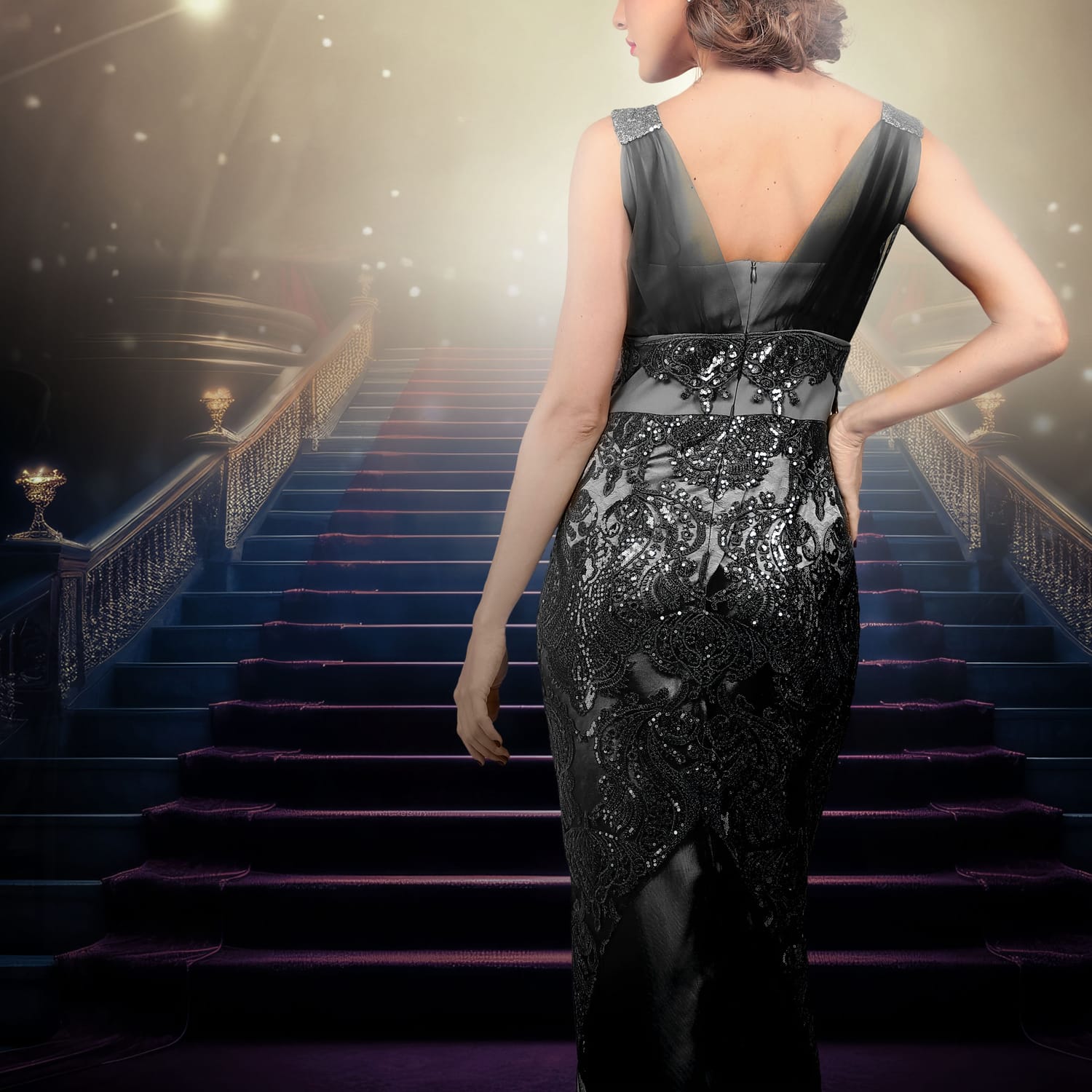


All designs have been created by course creator Deborah Bradseth-a seasoned designer with over 20 years experience.
Which Path is Right for You?
If you’re wondering what the next step is, here’s the easiest way to decide:
Start right here with the Photoshop path if:
You want to learn Photoshop from the ground up
You’re interested in creating all kinds of designs (not just book covers)
You want a strong foundation in how Photoshop works
Start with the Book Cover Design path if:
Your main goal is to design your own book covers
You want a step-by-step process focused on one specific result
You’d rather create something real now instead of learning everything first
Watch the Free 10-Minute Book Cover Design Training then actually create the design with me in the Book Cover Foundations: Beginner Projects.
Interested in both paths?
Awesome! Either path will be a great starting point. There is no wrong choice! Both paths get you designing right away because the best way to learn, is to do.
What is all included:
Step-by-step beginner Photoshop training
Easy-to-follow video lessons (no overwhelm)
Hands-on projects so you actually learn by doing
Practice files so you can follow along
Real-world design applications (not just theory)
Lifetime access—learn at your own pace
🎁 Bonuses including a
Font Pairing Guide with 25+ pairings
Shortcuts Cheat Sheet, and more!
Your Cost: $27
Try it RISK FREE! 30-Day Money Back Guarantee!
Imagine Being Able To...
Open Photoshop and actually know what to do
Create something you’re proud of
Bring your ideas to life without frustration
Feel confident in your skills
That’s what this course is designed to give you.

Why This Course Works When Tutorials Don’t
Random Tutorials
Teach disconnected tricks
Skip over beginner fundamentals
Assume you already know the basics
Leave you piecing everything together
This Course
Teaches Photoshop step-by-step
Builds skills in the correct order
Shows exactly how tools work together
Helps you create complete designs
Try It Risk-Free
Within 30 days of purchase if you do not feel like you have adequately learned enough from my course in your creative journey, I will provide you a full refund.
I ask that you try the program for a minimum of 14 days, following the tutorials.
If you run into issues or need help troubleshooting, please reach out and I will personally help you.
Don't Stay Stuck Another Day
You can keep watching tutorials and still feel stuck…
Or you can finally sit down, follow along, and start creating.
Start Creating With Confidence
Instant Access • Lifetime Learning • Beginner-Friendly
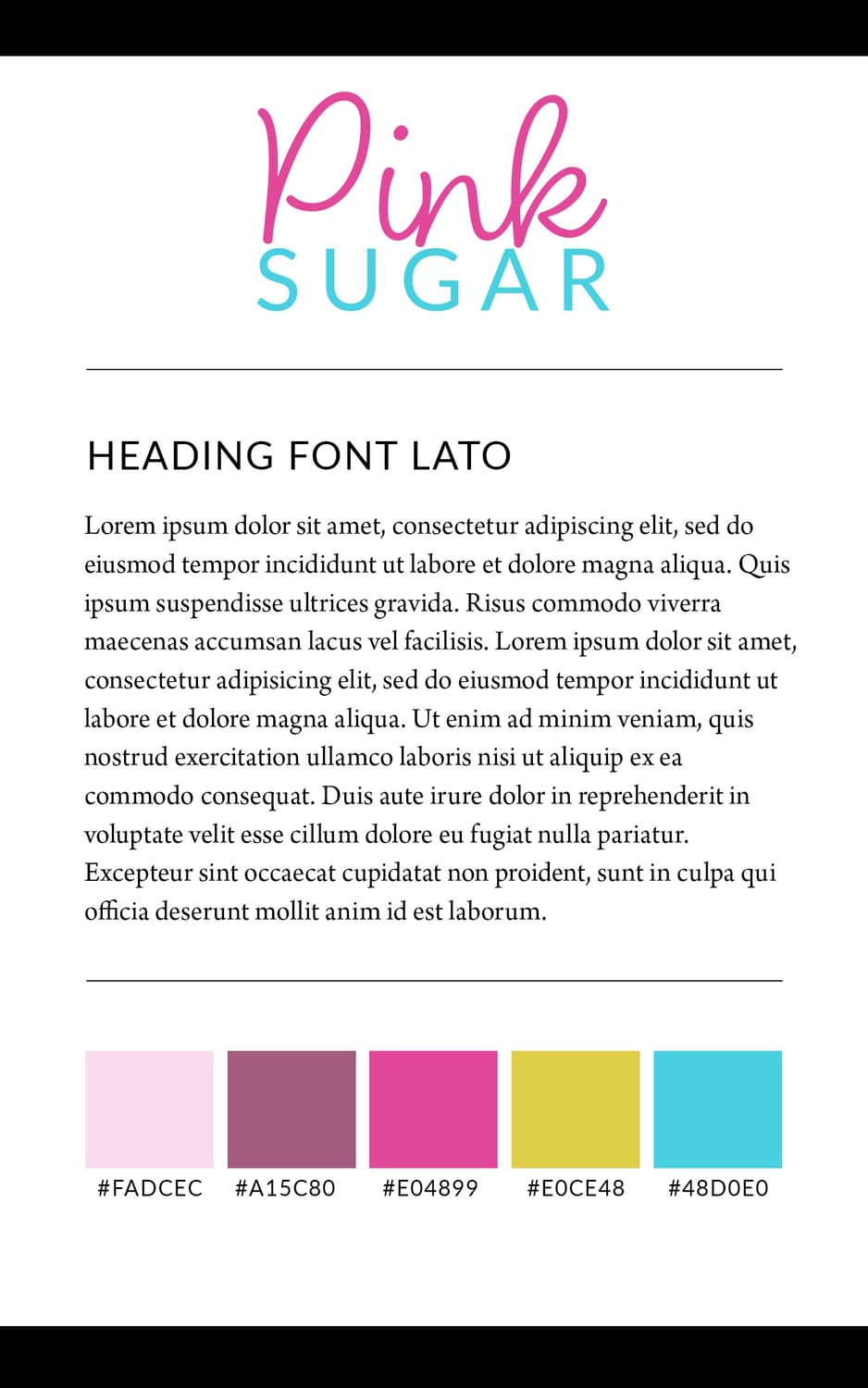
Inside the Course
Module 1 - Getting Started
How to set up your workspace and documents
How to use the Shape Tool
How to use the Magic Wand Tool
How to use Text feature
Module 2 - Layers Made Simple
This is where Photoshop finally starts to make sense.
What layers actually are
How to use them without confusion
How layer masks work (in a simple way)
Module 3 - Create a Real Design Together
Now we put everything together. This is where you go from learning... to actually creating.
Create a square social media ad step-by-step
Turn that design into horizontal and vertical versions
Design a Brand Guide
Bonuses!
Font Pairing Guide (25+ Pairings) you can use in a variety of projects
Shortcuts Cheatsheet you can use to bring your designs together faster
Sneak Peek at the Complete Course. Get a behind-the-scenes look at how to take your skills even further
You don’t need prior experience, design skills, or to be “creative”.
You just need someone to show you what actually matters and how to use it.
Your Questions, Answered
Do I need Photoshop experience? → Nope! This course is designed for beginners.
What version of Photoshop do I need? → Any recent version of Photoshop works.
How long do I have access? → You will have lifetime access! Go at your own pace and revisit lessons anytime. And access to any and all updates that happen along the way!
If I've taken the Design Basics Free Mini Course. Will this course be helpful? → Yes! I dive deeper into the most important tools and we continue to build on your skills. With every video you'll gain more confidence and be able to use your new skills in future projects.
Is this course for anyone? → Yes! I may be a book cover designer, so I lean more that way while teaching, but the skills you’ll learn apply to all kinds of design projects including ad design, graphics, branding, and more!
What if this course doesn't work for me? → If, within 30 days of purchasing my course you do not feel you have learned anything new and helpful in your creative journey, contact me for a full refund.
I'm an author looking to make my own ads. Will this course work for me? → Yes! You will learn all the skills you need, and then some, to design beautiful, eye-catching ads to use on social media to help sell your book.
I've been using Photoshop for awhile, but I still don't know how to use a lot of the tools. Will this course be helpful for me? → Design Foundations might be the best place to start to make sure you have a solid foundation. However, if you're more experience in Photoshop, I would recommend my Design Like a Pro: Complete Course. In there, I take you step-by-step through the entire process from start to finish allowing you to learn each tool as you go. You'll go from cautiously using photoshop, to confidently designing.
Try it RISK FREE! 30-Day Money Back Guarantee!
Copyright 2025-2026 DB Cover Design, LLC