Master Photoshop and Book Cover Design at the Cover Design Lab.
Design Covers That Captivate.

Learn Photoshop, Create Stunning Covers, Grow Your Skills
From beginner-friendly tutorials to full mastery courses, I help creatives and authors turn ideas into professional-quality designs that get noticed.
Step 1: Explore – Start with my free mini courses to get comfortable with the basics.
Step 2: Practice – Hands-on projects help you build confidence and sharpen skills.
Step 3: Master – Complete courses guide you from beginner to pro, covering every essential skill.

See What You Can Create
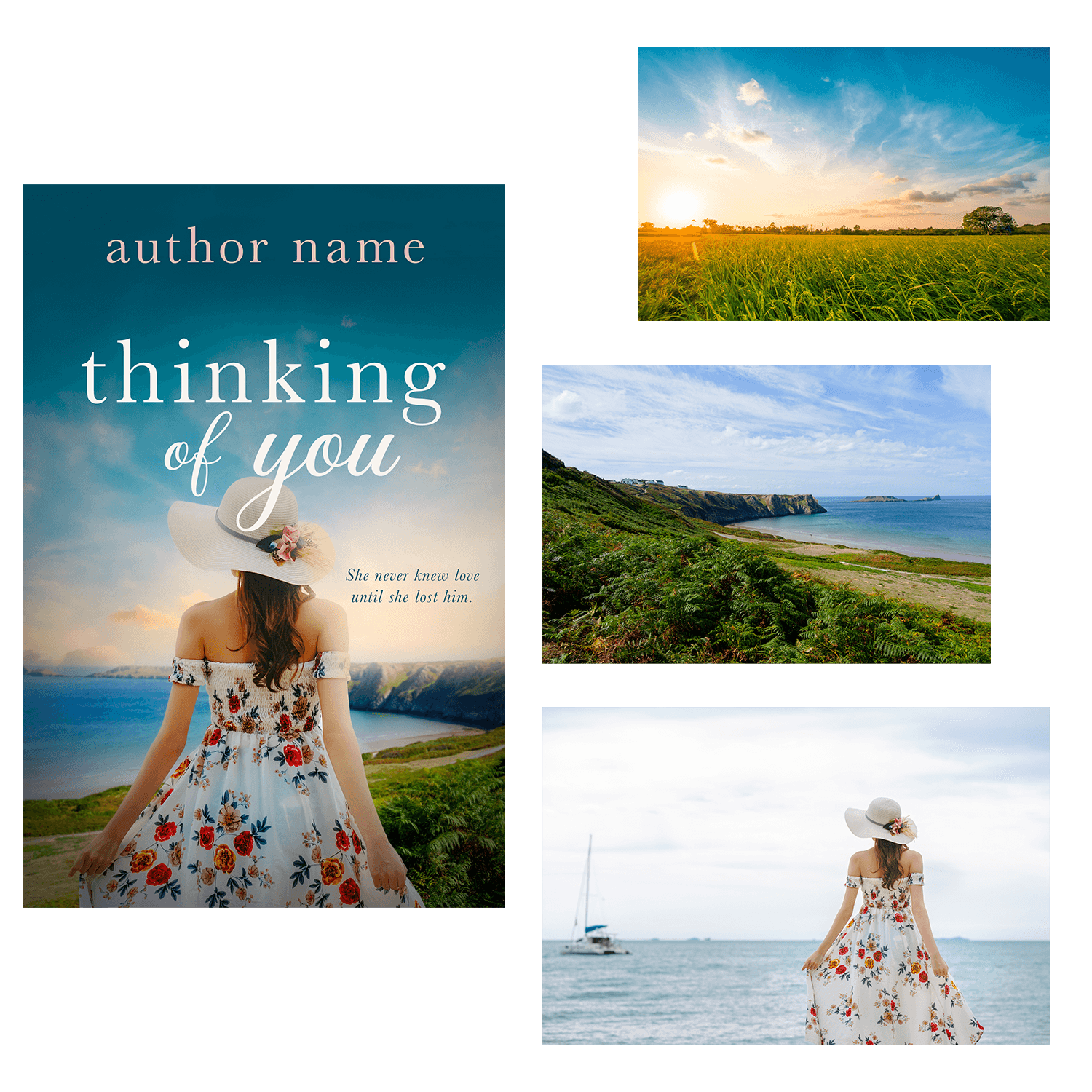
From a few stock images to a polished book cover

Romance Book Cover Design

Historical Romance Book Cover Design

Women's Fiction Book Cover Design

Romantic Suspense Book Cover Design
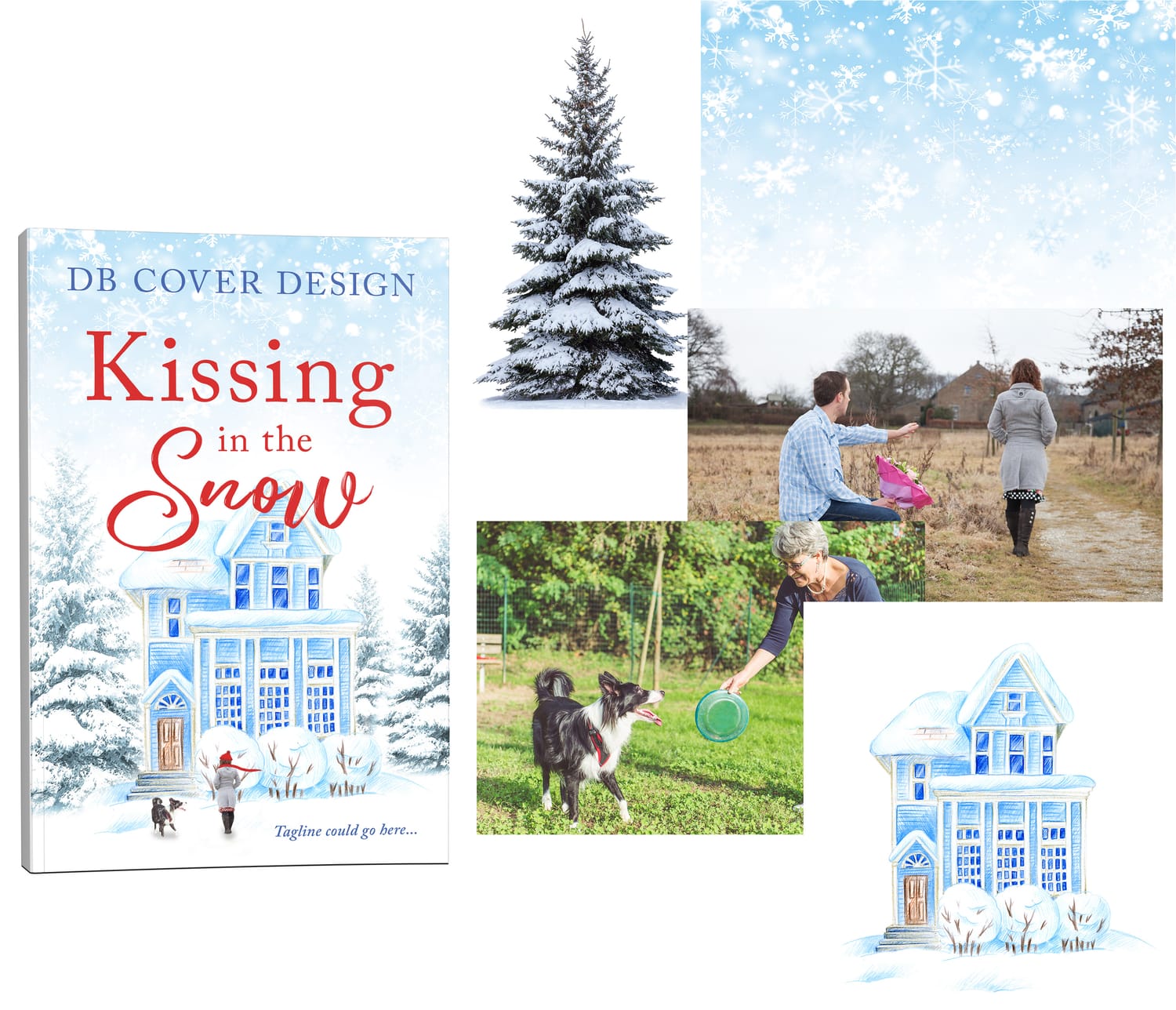
All the images used to create this seamless book cover design

Combine images to create stunning graphics
Start Learning Photoshop for FREE
If you're just getting started, download the Design Basics Mini Course.
This mini course focuses on the basics to help you get more comfortable with Photoshop.

12 minutes
Focuses on navigating the interface, creating a new document, adding images, understanding the toolbar and more.

12 minutes
All about layers. What layers are, how to move them, hide/show, duplicate, and more.

10 minutes
We put it all together to create a mock ad so you can use the tools we just learned about right away.
In less than 45 minutes you'll have designed your first graphic and be able to use what you learned on your next project!
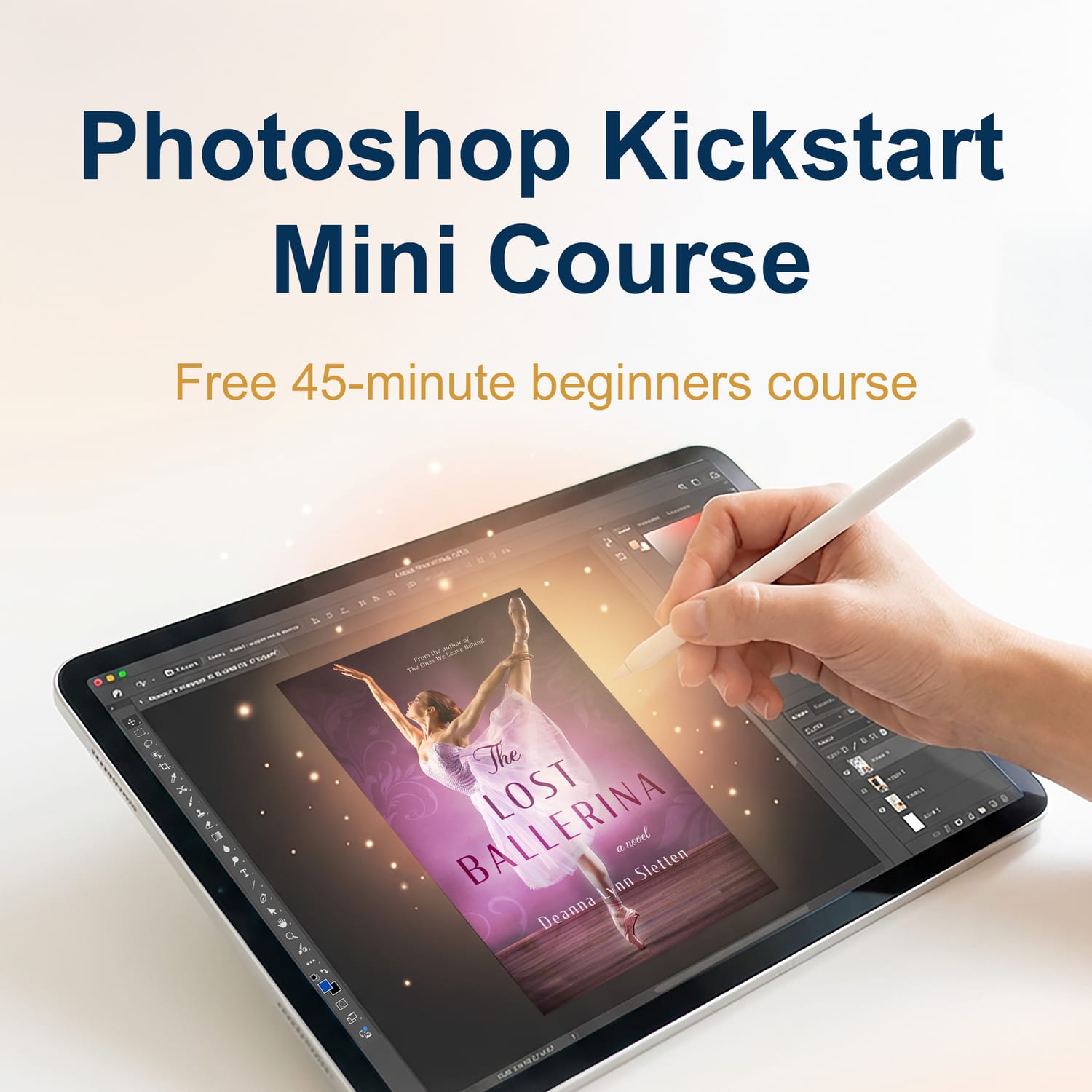
FREE Book Cover Design Training
When you sign up, you’ll get instant access to:
A real-time, 10-minute book cover design walkthrough in Photoshop
Simple techniques you can actually follow
A behind-the-scenes look at how covers come together from start to finish
This training is perfect for:
Beginners who feel overwhelmed by Photoshop
Authors who want to design their own covers
Anyone who wants to learn how book covers are actually designed
In just 10 minutes, you’ll see:
How to turn 3 ordinary images into a professional-looking cover
How to pick fonts, colors, and layout that turn into a polished design
How a complete cover comes together step-by-step
No experience needed
Easy-to-follow for beginners
Instant access—watch anytime
Explore the Course Library
Whether you're learning Photoshop for fun, for creative projects, or for book design, these courses will guide you step-by-step.
Your Step-by-Step Path to Mastering Graphic Design in the Design Lab Series
From your first click to creating professional designs—follow this clear path and go from beginner to confident creator.
1
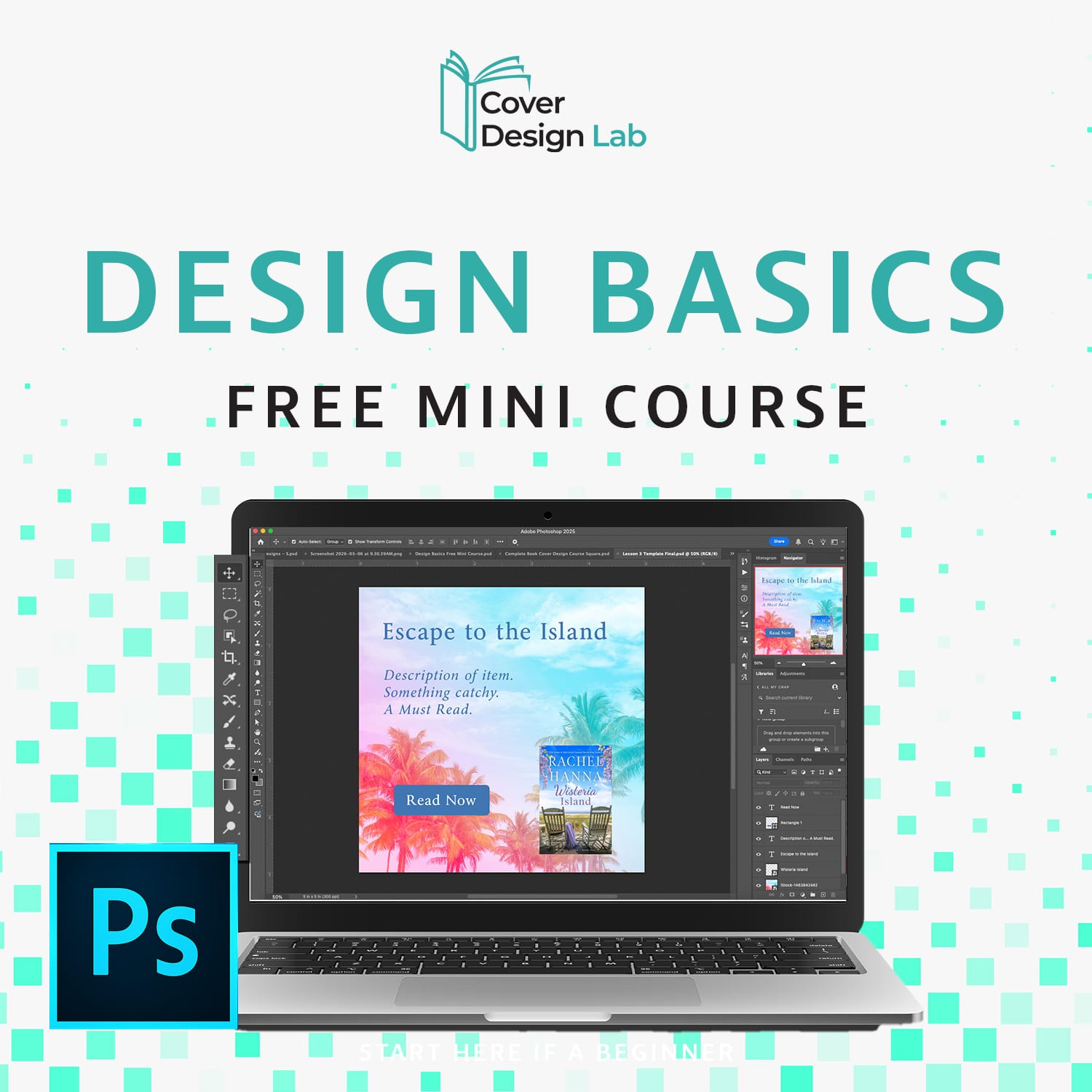
Design Basics: Free Mini Course
Level: Beginner
Get comfortable with the basics in Photoshop in under an hour.
→ Explore key tools without overwhelm
→ Navigate Photoshop like a pro
→ Take your first steps toward creating simple designs
2
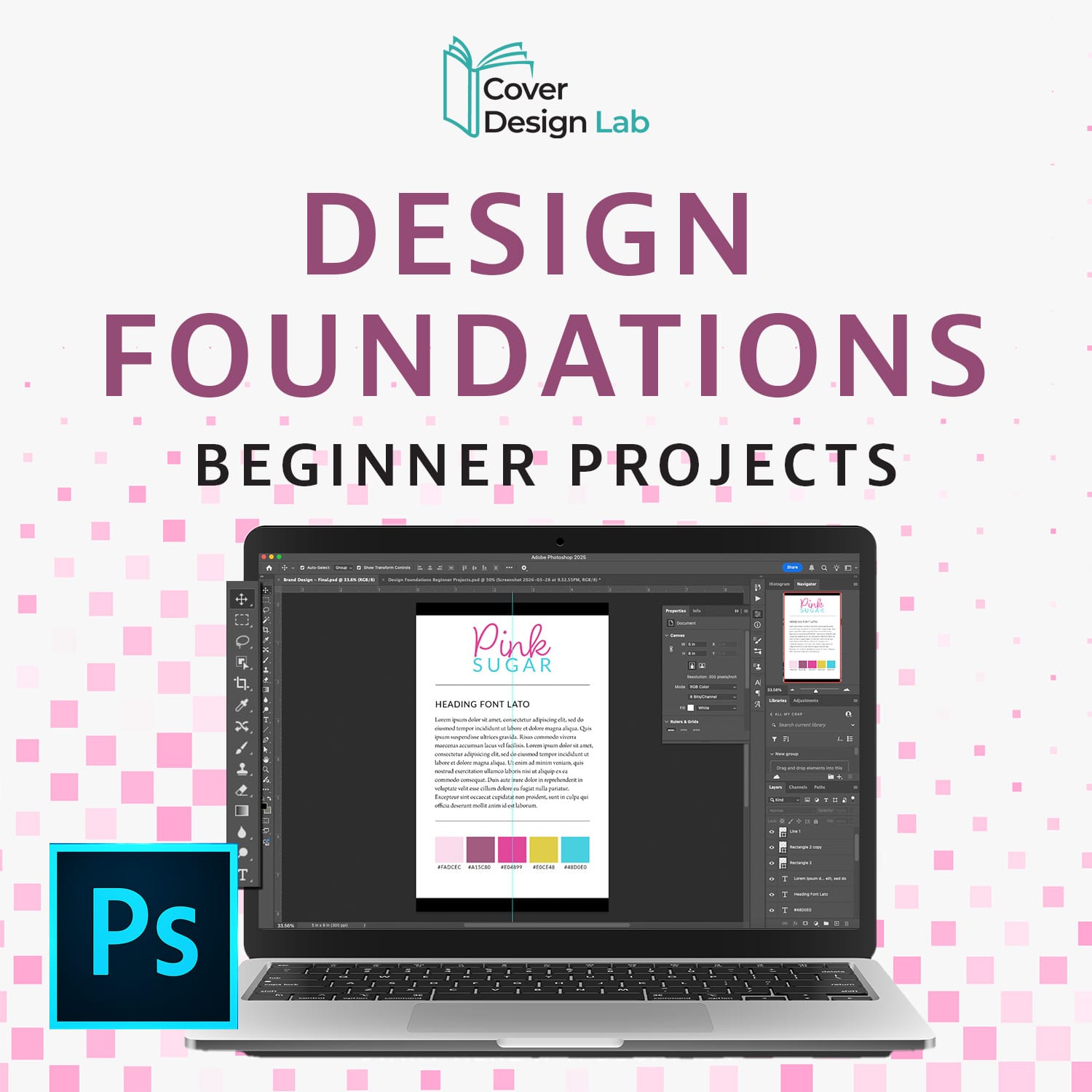
Design Foundations: Beginner Projects
Level: Beginner
Practice real projects and build confidence.
→ Hands-on lessons with layers, masks, text, and shapes
→ Create a social media ad and adapt it to multiple formats
→ Design a Brand Guide
→ Move from understanding to actual creating
3
Design Skill Lab: Intermediate Challenges
Level: Intermediate
Sharpen your skills with guided projects and challenges.
→ Reinforce what you’ve learned
→ Experiment with practical design techniques
→ Gain experience and prepare for advanced projects
4
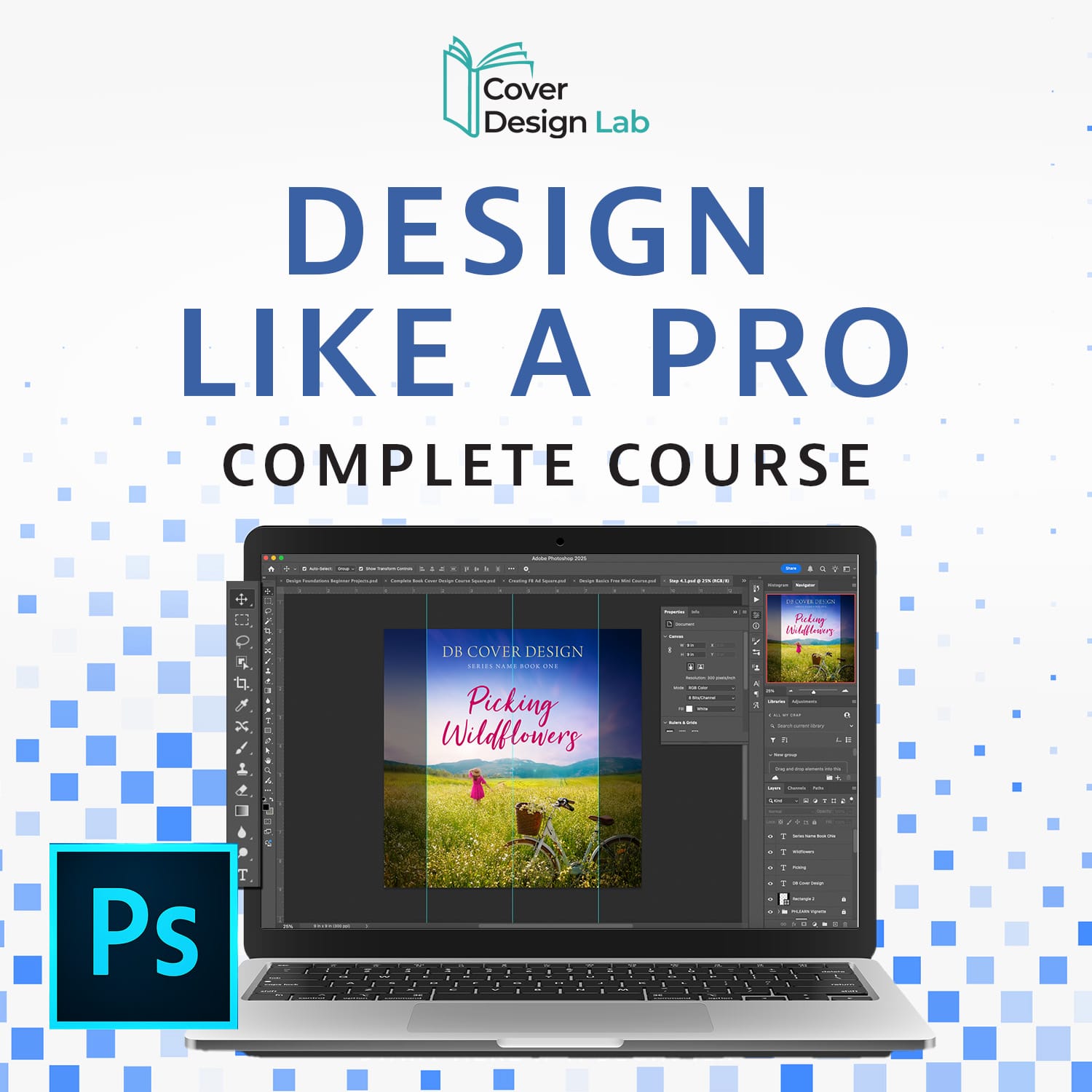
Design Like a Pro:
Complete Course
Level: Intermediate → Become a confident designer
Master Photoshop from start to finish.
→ Full step-by-step projects, templates, and cheat sheets
→ Learn advanced beginner techniques
→ Go from comfortable with tools to fully confident creating professional designs
How to Follow the Photoshop Path
1. Start with the Design Basics: Free Mini Course to get familiar.
2. Move to the Design Foundations to practice and build confidence.
3. Strengthen your skills in the Design Lab. (Coming Soon)
4. Finish with the Complete Course to master Photoshop completely.
Follow the path step by step and transform from beginner to confident designer—without overwhelm.
Your Step-by-Step Path to Designing Book Covers That Sell in the Book Cover Lab Series
Learn how to create eye-catching, professional book covers—even if you’ve never designed before.
1
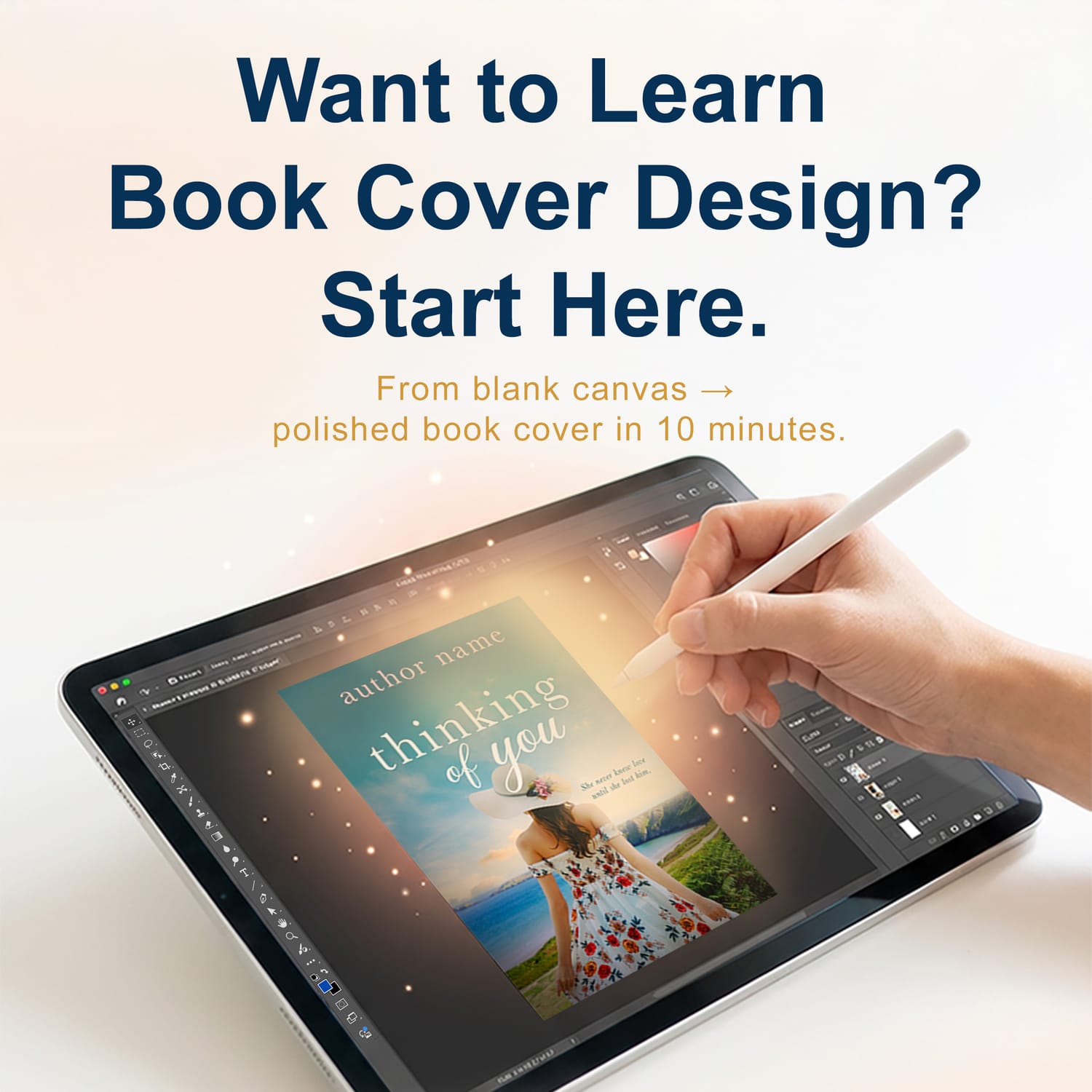
Book Cover Design Basics: Free Training
Level: Beginner
Learn the basics of designing a professional-looking book cover.
→ See how a cover comes together step-by-step
→ Understand what makes a cover stand out
→ Get a quick win fast
2
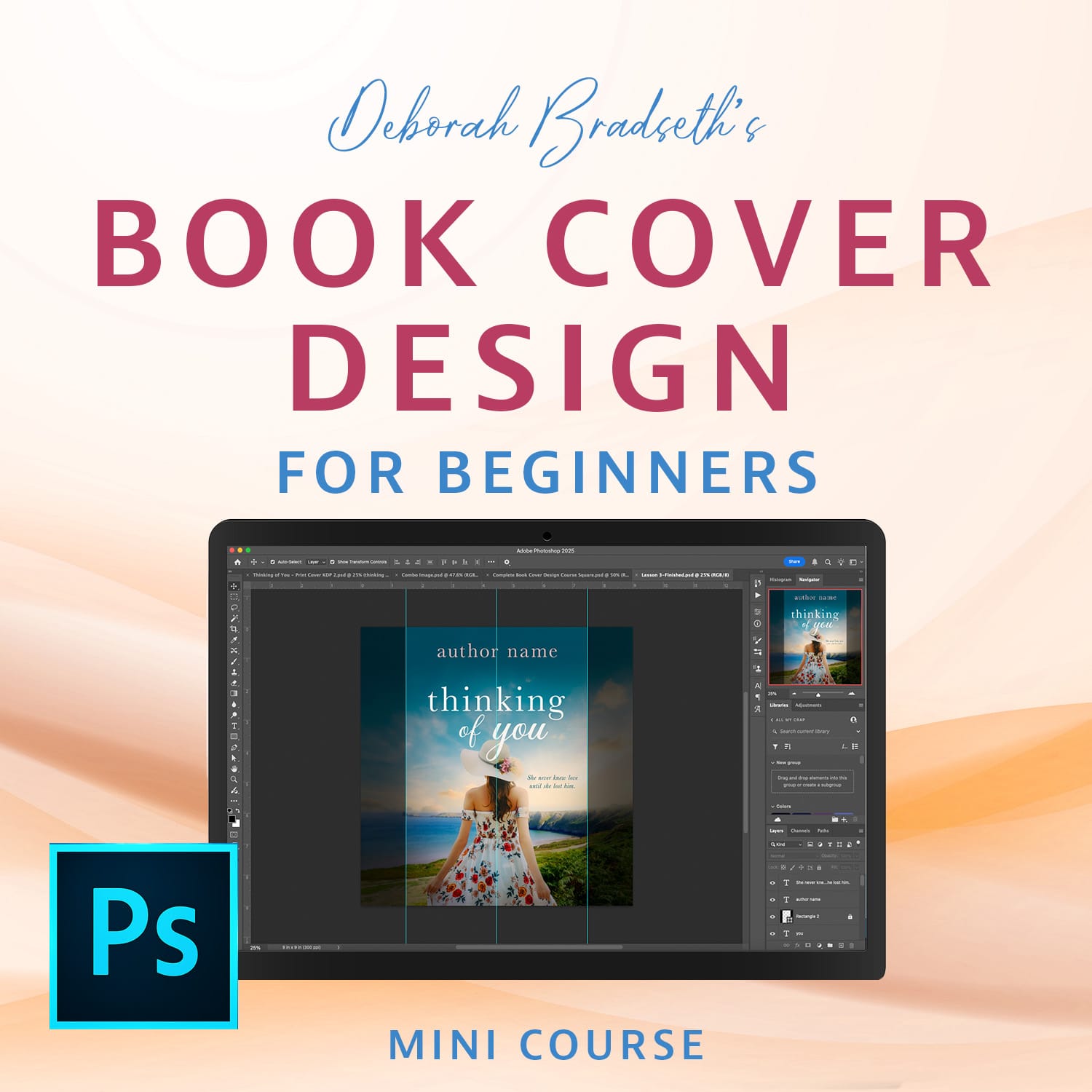
Book Cover Foundations: Beginner Projects
Level: Beginner
Follow along and design your own book cover from scratch.
→ Step-by-step guided design tutorial
→ Learn layout, text placement, and visuals
→ Get Cover Design Tips and learn exactly where to start
3
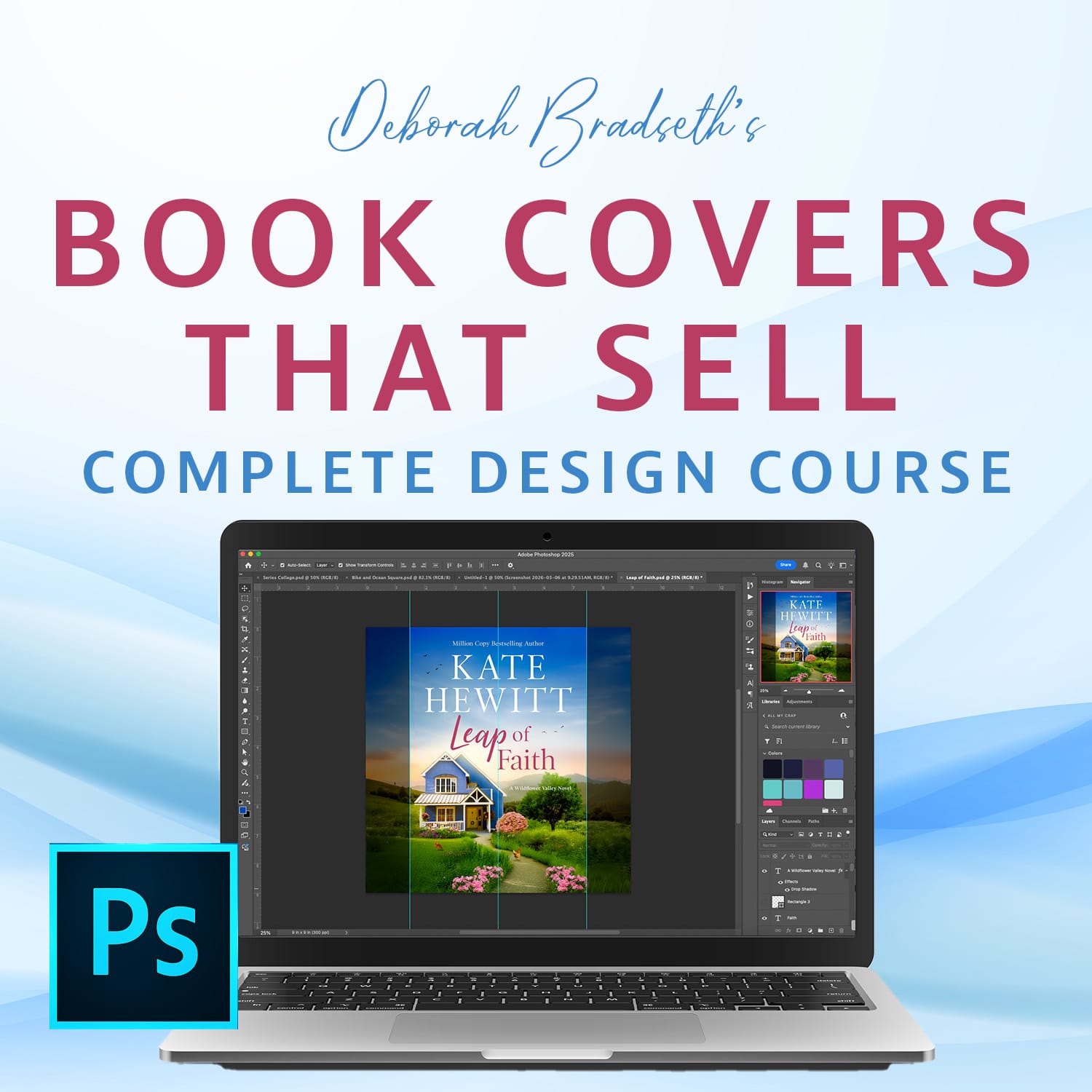
Book Covers That Sell: Complete Course
Level: Beginner → Intermediate
Create covers that attract readers and drive clicks.
→ Learn what makes covers sell (not just look good)
→ Design multiple styles and genres
→ Improve your skills and confidence as a designer
The courses below can be taken at any time in the learning path.
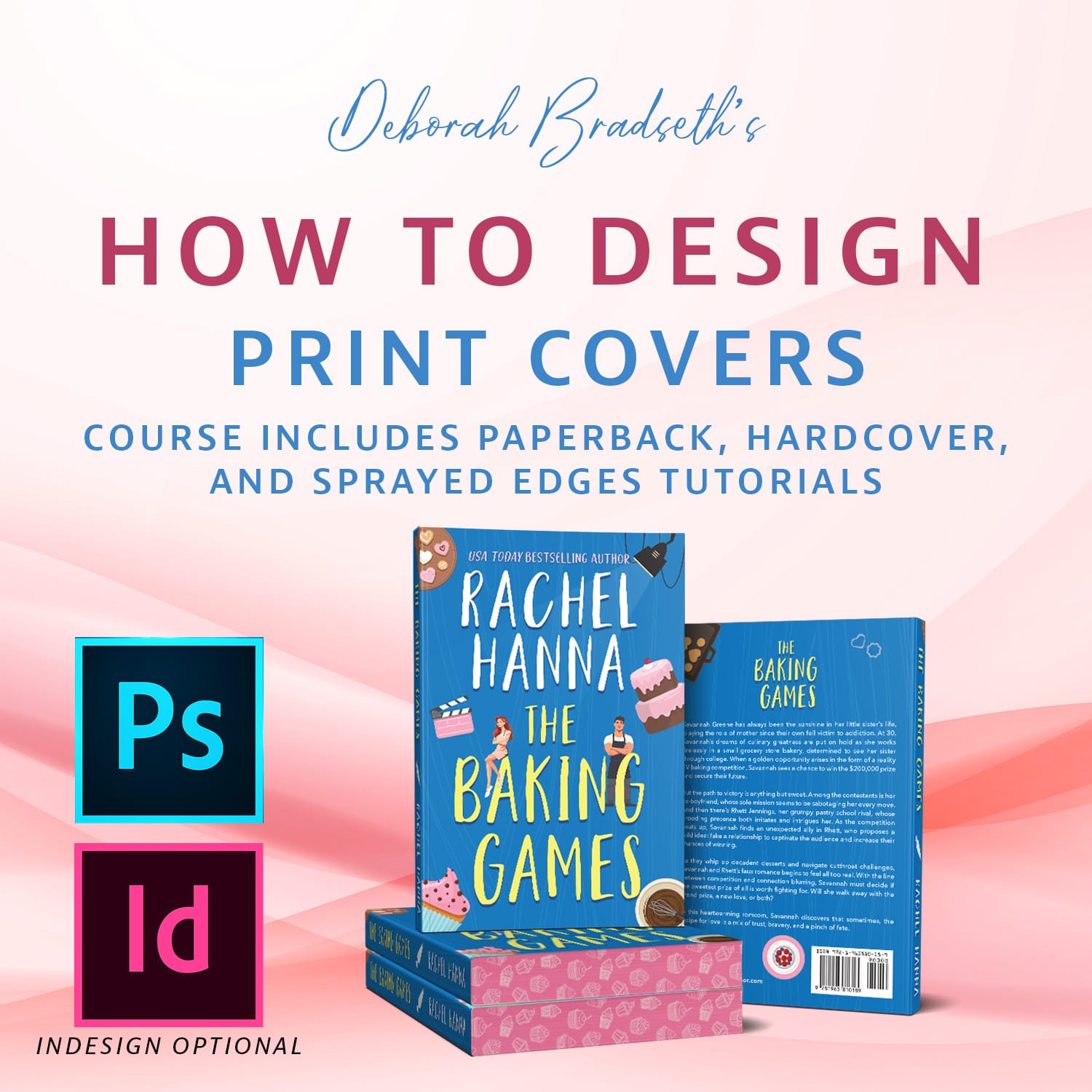
Print Cover Design: Paperback, Hardcover & Special Finishes
Level: Beginner → Intermediate
Learn the technical side of how to design paperback, hardcover, and sprayed edges.
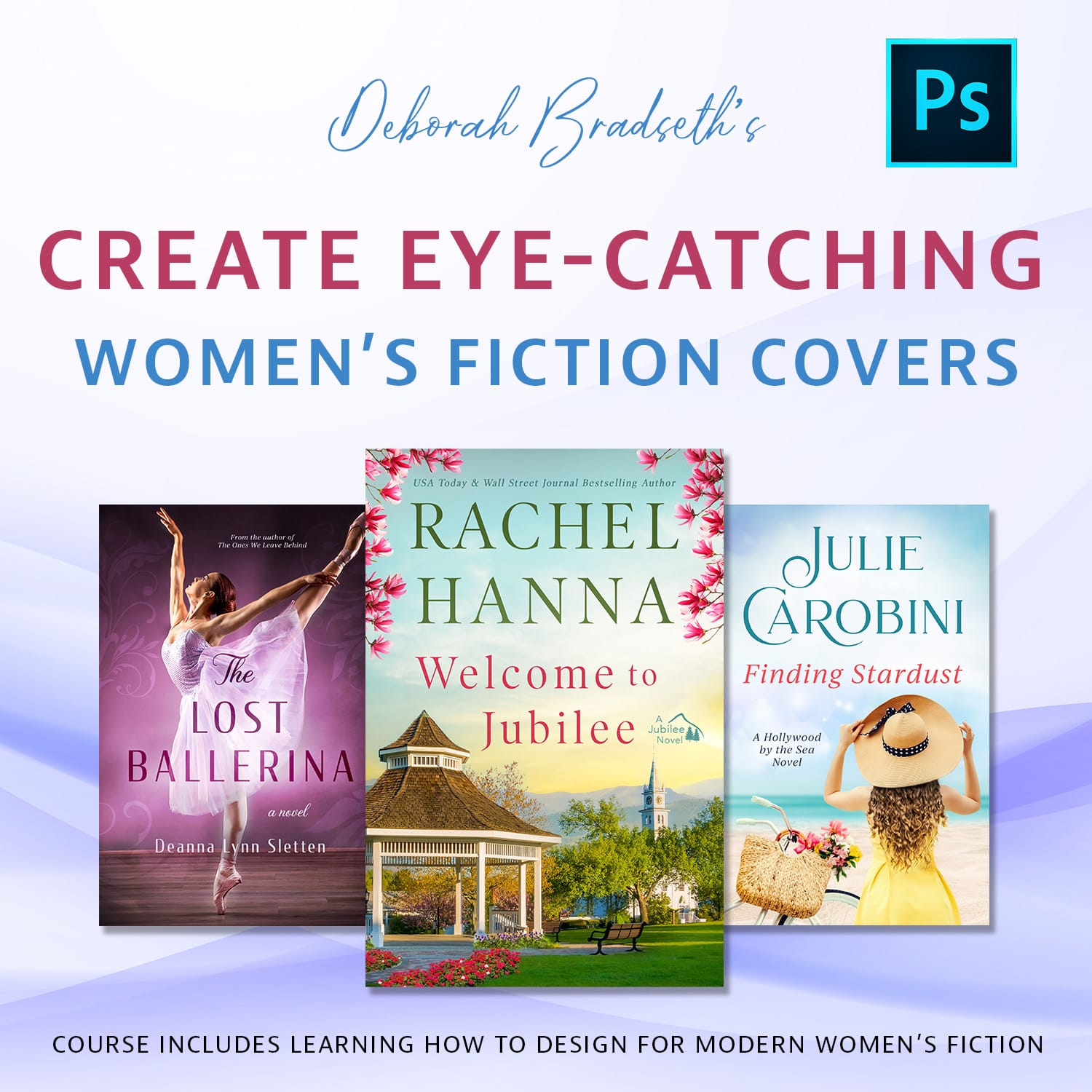
Creating Eye-Catching Women's Fiction Covers
Level: Intermediate
Learn how to create the warm, emotional aesthetic used in modern women’s fiction covers.
New to Photoshop?
Start Here.
If Photoshop feels confusing or intimidating, this course will help you get comfortable with Photoshop basics within an hour.
You'll learn the essential tools, understand how layers work,
and create your first real design.
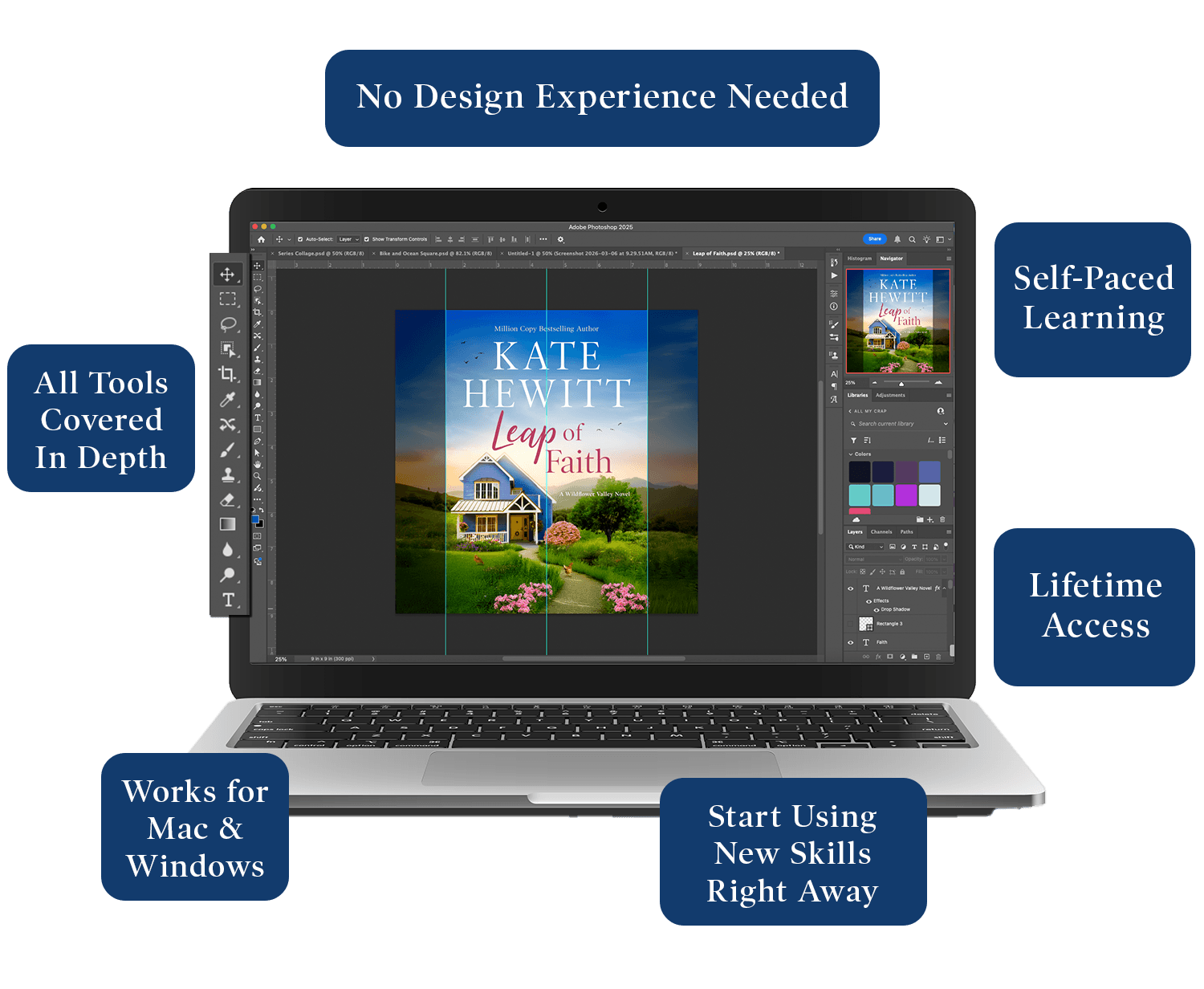
Inside the Course You'll Learn:
How the Photoshop workspace actually works
The essential tools every beginner should know
How layers, masks, and adjustments work together

Take your first steps towards real designs
By the end of the free Design Basics course, you'll be feeling more confident and ready to expand your skills.
The Design and Book Cover Lab Learning Paths Combined
If you're wondering what course to take first, here's the recommended order if you want to learn both Photoshop and Book Cover Design.
1
Design Basics: Free Mini Course
A beginner-friendly course designed for creatives and authors that teaches you how to create stunning designs, book covers, and graphics without feeling overwhelmed.
2
Book Cover Design Basics: Free Training
See exactly how a blank canvas becomes a polished book cover in just 10 minutes—no experience needed.
3
Design Foundations: Beginner Projects
Practice real projects and build confidence through hands-on lessons and moving from understanding to actually creating.
4
Book Cover Foundations: Beginner Projects
Put your newfound skills to work. Create a book cover design in just 1 hour, and have your first cover designed today!
5
Design Lab: Intermediate Challenges (Coming Soon)
Sharpen your skills with guided projects and challenges that reinforce what you've learned so far.
6
Design Mastery: Complete Course
Up your skills and learn the core tools and foundations so you can make your graphics stand out from the crowd.
7
Book Covers That Sell: Complete Course (Coming Soon)
Apply your skills to real creative projects and learn the ins and outs of what makes and breaks a cover design in this comprehensive course.
The courses below can be taken at any time in the learning path.
1
Print Cover Design: Paperback, Hardcover & Special Finishes (Releases April 1, 2026)
Learn the technical side of how to design paperback and hardcovers.
2
Creating Bestselling Women's Fiction Covers (Coming Soon)
Learn how to create the warm, emotional aesthetic used in modern women’s fiction covers.
More courses coming soon
Meet Your Instructor

Deborah Bradseth
Hi, I'm Deborah.
I created these courses to make learning Photoshop and book cover design easier and more approachable.
Many creative people want to learn Photoshop but feel overwhelmed by how complicated it seems at first.
I have over 20 years of experience in Photoshop, and over 15 years as a book cover designer for bestselling authors, which allows me to provide clear guidance on how to learn Photoshop from the very beginning. These courses break everything down into clear, manageable lessons so you can build real design skills step-by-step.
Whether you want to design graphics, create book covers, or simply understand Photoshop better, you'll find a path here.
What Others Are Saying
This is a great course. I dabbled in Photoshop for my Facebook ads but was able to improve them after this course. I learned so much.
Deanna Lynn Sletten
Author

Ready to Start Learning Photoshop?
If you're new to Photoshop, the best place to begin is the FREE Design Basics Mini Course.
Start building real design skills today.
Frequently Asked Questions
The Design Basics and Design Foundations courses require no prior experience! I walk you through step-by-step from the very beginning so you can get started without being overwhelmed.
The other courses do require working knowledge of Photoshop. If you have taken the Design Foundations course, or have experience in Photoshop already, then you're ready for the other courses.
The Book Cover Design Basics: Free Training and Book Cover Design Foundations: Beginner Projects require no prior experience!
Any recent version of Photoshop should work. I would recommend 2024 or higher to be able to access all the features.
If, within 30 days of purchasing any of my courses you do not feel you have learned anything new and helpful in your creative journey, contact me for a full refund.
Not at all. While it’s book cover focused, the skills you’ll learn apply to all kinds of design projects including ad design, graphics, branding, and more!
You will have lifetime access! Go at your own pace and revisit lessons anytime. And access to any and all updates that happen along the way!
You can contact me, Deborah, directly at deborah@coverdesignlab.com and I will be happy to answer any questions you have.